


Reply To: Move pages to another doc makes the text missing (pink)


This article was last modified on August 26, 2011
This article was first published on
Commenting is easier and faster when you're logged in!
Loading comments...

Recommended for you
Article
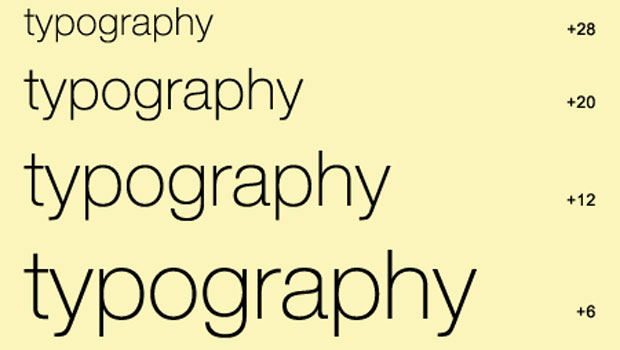
TypeTalk: Point Size and Letter Spacing
TypeTalk is a regular blog on typography. Post your questions and comments by cl...

Article
Flyer Templates, part 2
This template features another beautiful flyer design from from StockInDesign in...
Article
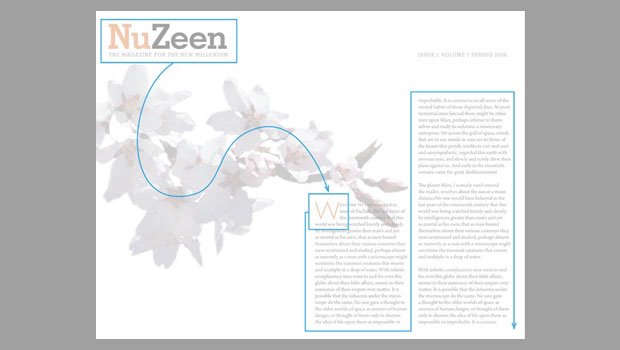
The Importance of Visual Hierarchy
Scott Citron helps you improve your design with smart use of visual hierarchy.