




This article was last modified on July 11, 2010
This article was first published on
Commenting is easier and faster when you're logged in!
Loading comments...

Recommended for you

Article
Markzware Hosts FlightCheck Professional 6 Sneak Preview
Markzware, the leading developer of preflighting, data extraction and conversion...
Article
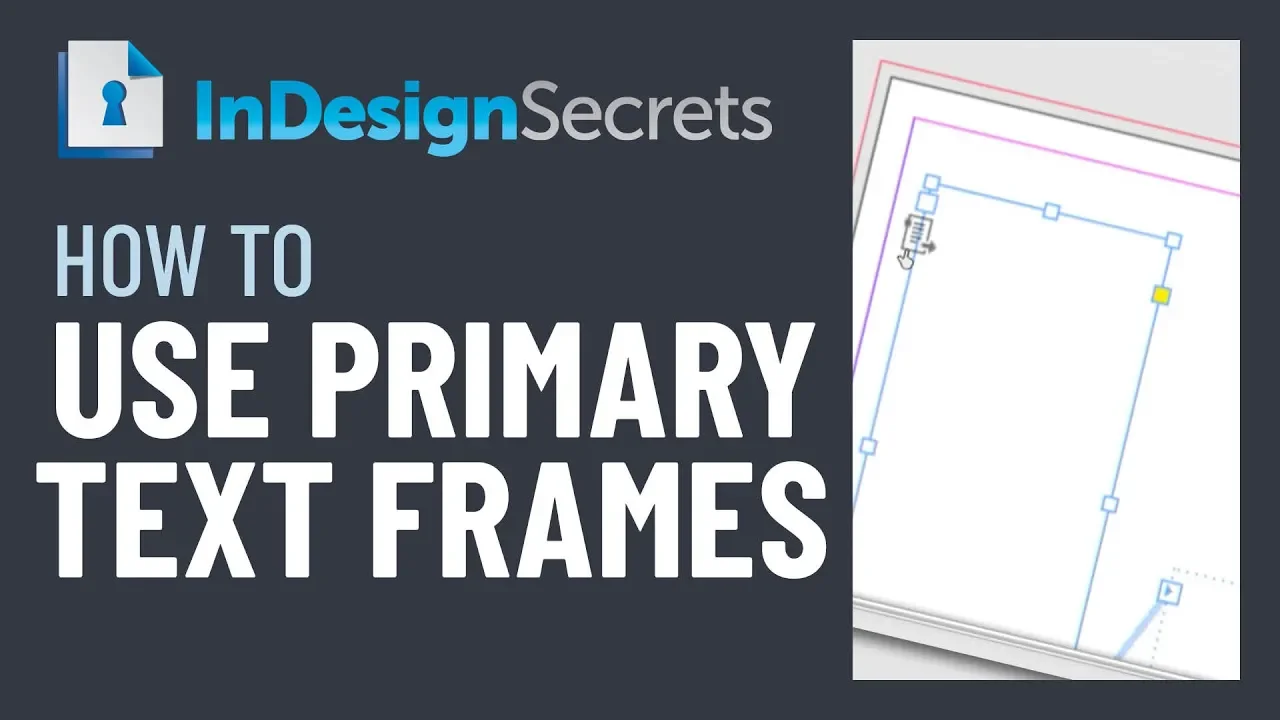
InDesign How-to Video: How to Use Primary Text Frames
In this week’s InDesignSecrets video, Erica Gamet demos how to use InDesign’s Pr...
Article
Building a Photo Book with Object Styles
David Blatner shows how object styles can make designing layouts incredibly fast...