




This article was last modified on January 7, 2011
This article was first published on
Commenting is easier and faster when you're logged in!

Recommended for you

New Videocast Looks Into InDesign's Links Panel
InDesign's Links panel has taken a huge leap forward in functionality in CS4, bu...

TypeTalk: Axes Aren't Evil
TypeTalk is a regular blog on typography. Post your questions and comments by cl...
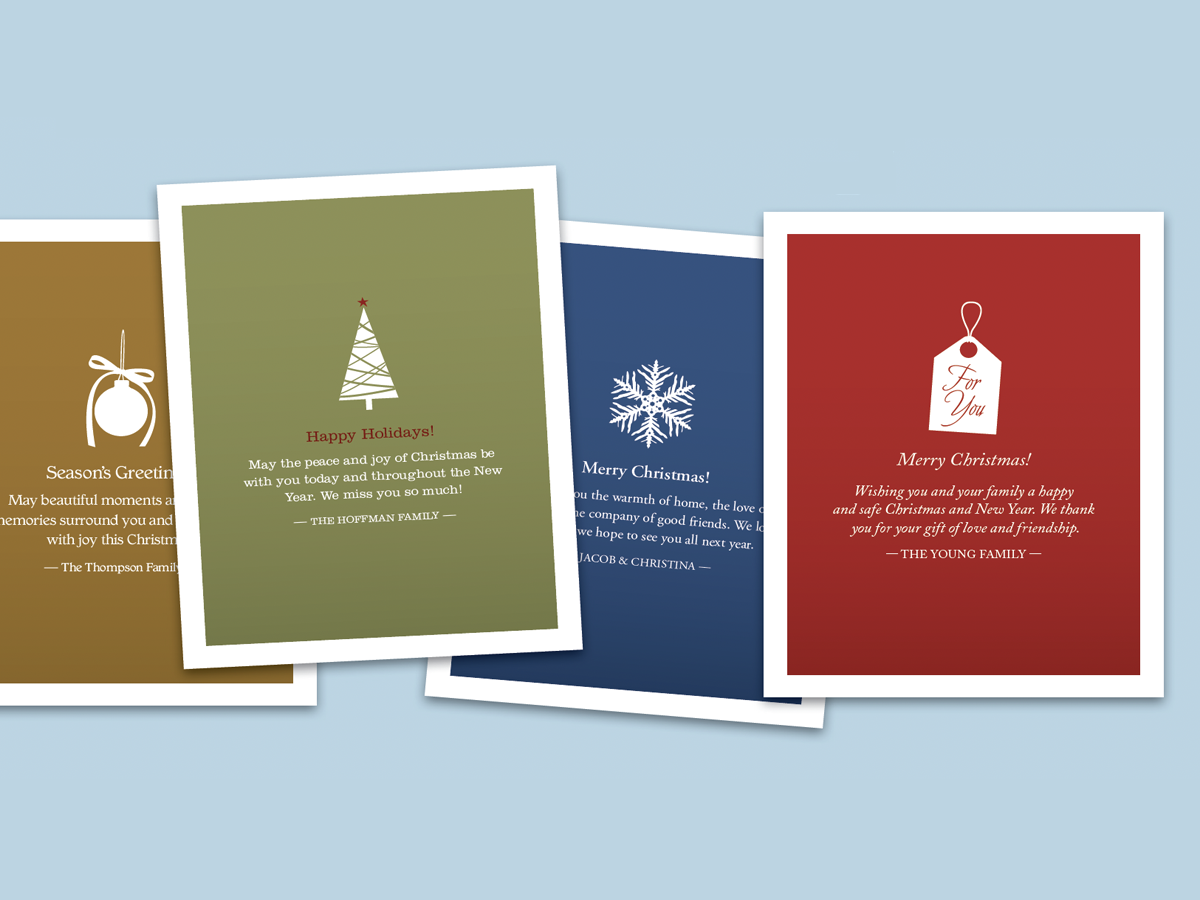
Before&After: Make Desktop Holiday Cards
If you need to make your own quick and easy holiday card, this one fits the bill...