




This article was last modified on August 7, 2012
This article was first published on
Commenting is easier and faster when you're logged in!
Loading comments...

Recommended for you
Article
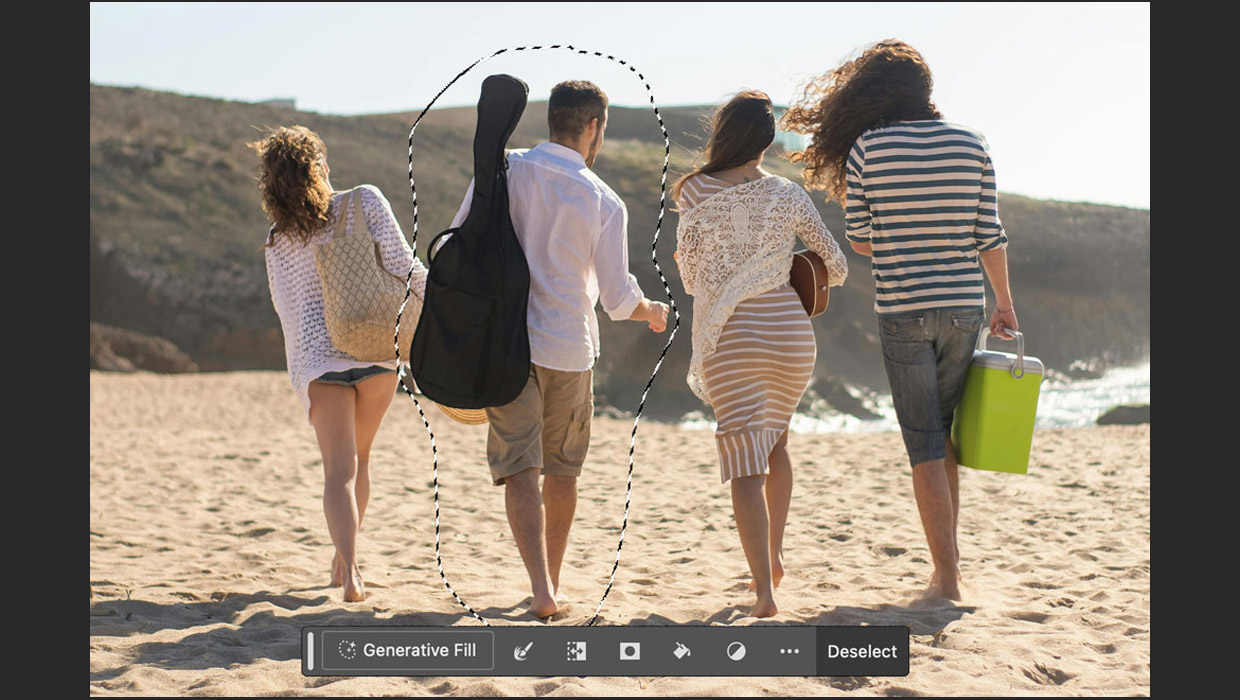
How to Remove People from an Image in Photoshop
Photoshop now includes formidable AI tools that allow you to remove objects – in...

Article
Font Fetish: Meyer Two
This blog isn't always about recently released typefaces, and this entry proves...

Article
Setting Poetry, Flush Left, Center on Longest Line
It's a common request, and it's not too hard to manage with a little trick.