



This article was last modified on September 4, 2012
This article was first published on
Commenting is easier and faster when you're logged in!

Recommended for you

Accentuating Paragraphs With Borders and Shading
How to use borders and shading features to make your designs pop by adding a col...
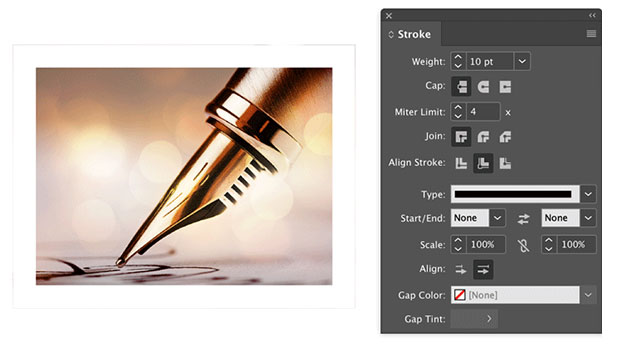
Help Squash This Bug: Placed Images Showing Outside the Frame
Here’s an annoying little InDesign bug that maybe we can get Adobe to finally sq...

Hy-phen-a-tion
Most of the hyphens that end up in your pages are placed there by your software...