




This article was last modified on March 8, 2012
This article was first published on
Commenting is easier and faster when you're logged in!
Loading comments...

Recommended for you
Article
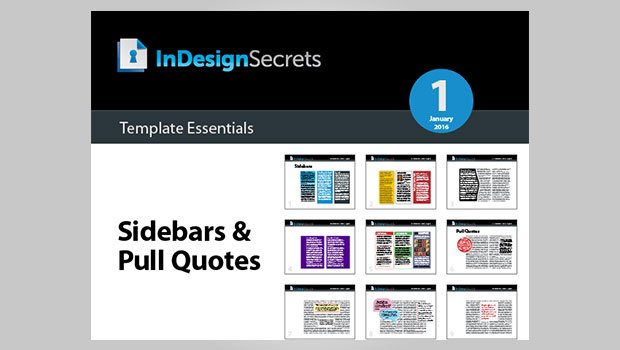
InDesign Template Essentials: Sidebars and Pull Quotes
This is a collection of a dozen different sidebar designs and eight kinds of pul...

Article
Out of Gamut: Color-Correct Vocabulary
For some time now I've been explicating the finer points of color management in...

Article
10 Find/Change Tips
Want to learn more about Find/Change? Check out these 10 Find/Change tips!