




This article was last modified on September 20, 2010
This article was first published on
Commenting is easier and faster when you're logged in!
Loading comments...

Recommended for you

Article
The Universal Shortcuts
InDesign, Illustrator and Photoshop are similar, but what shortcuts do they shar...

Article
Scanning Around With Gene: Keep on Truckin’
I had to drive to Los Angeles last week to deliver some bad news of the sort bes...
Article
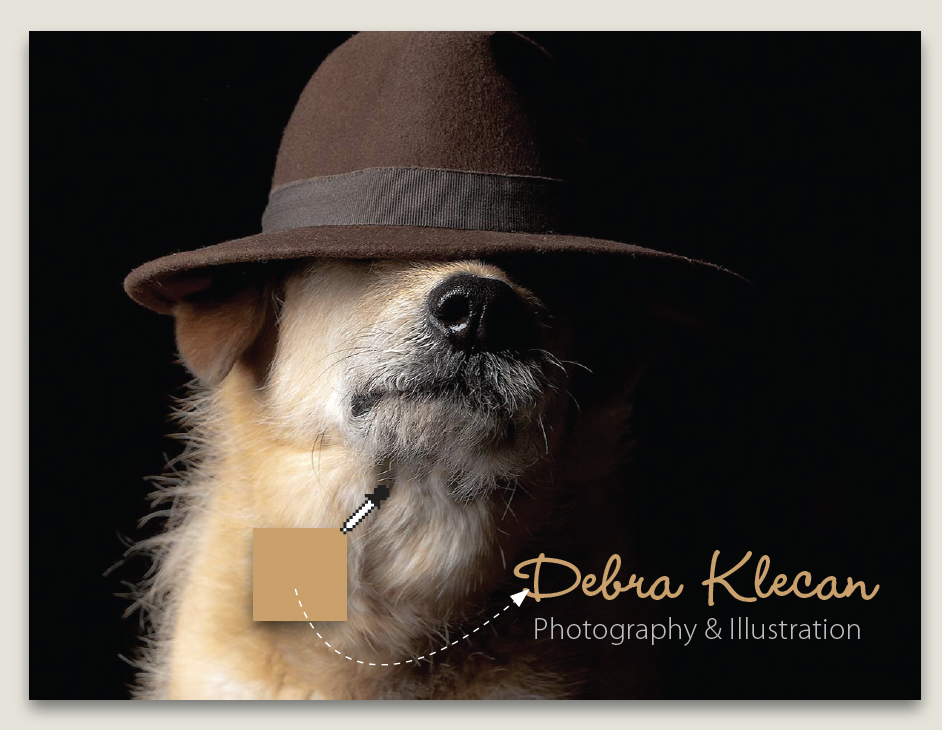
Before&After: Design a Mini Portfolio Card
Here's how we helped a photographer improve her portfolio card.