


Reply To: Docking the Panels


This article was last modified on August 30, 2010
This article was first published on
Commenting is easier and faster when you're logged in!

Recommended for you
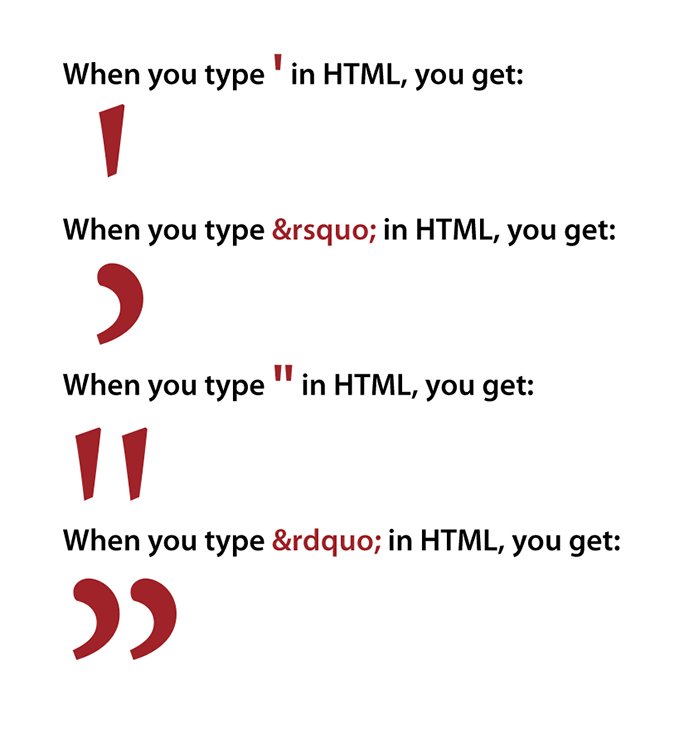
Proper Typography for Websites
In a previous post on my website, I wrote about the differences between typewrit...

Alwaysstock Ups the Ante with New iPod Mini Promotion
Based on the success of its first iPod promotion, alwaysstock®, LLC, a royalty-f...

Watch Out When Duplicating Interactive Buttons
Be careful when duplicating your interactive buttons because you might lose some...