




This article was last modified on August 10, 2012
This article was first published on
Commenting is easier and faster when you're logged in!
Loading comments...

Recommended for you

Article
Tip of the Week: Adding Files to a Book
This tip was sent to Tip of the Week email subscribers on September 4, 2014. Sig...
Article
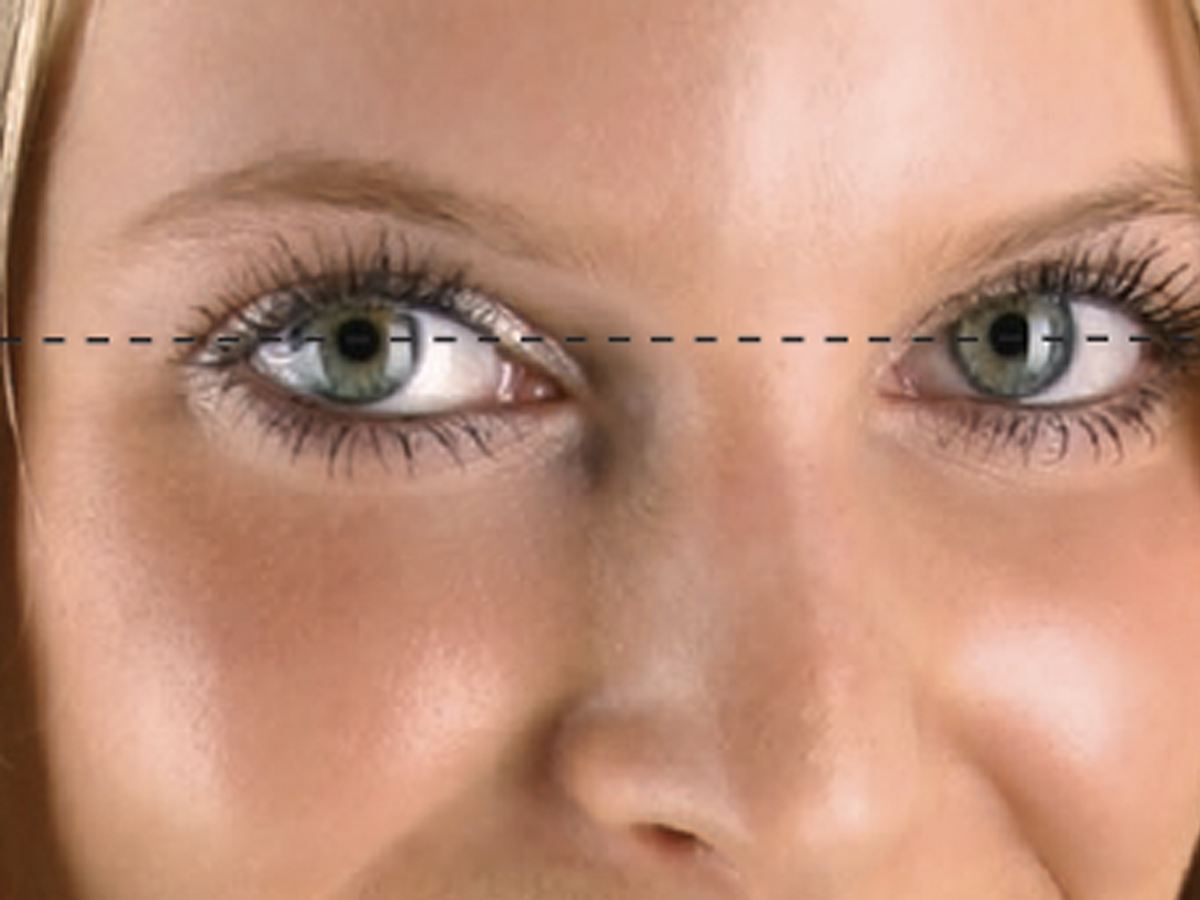
Before&After Design Tip: Crop Closeups at Eye Level
Learn how to effectively crop portraits using eye level as your guide
Article
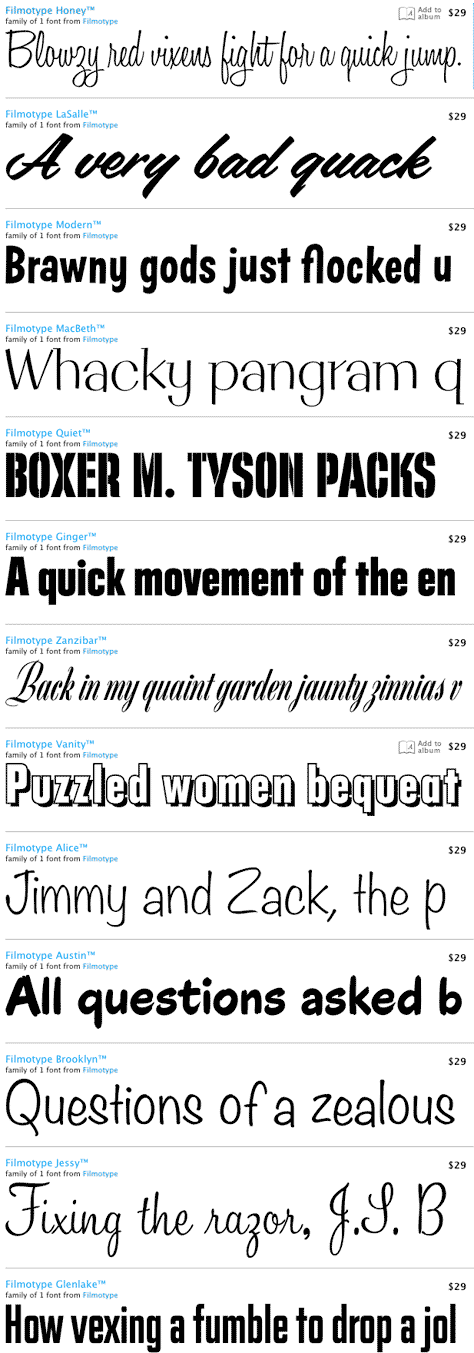
1950s Filmotype Fonts Resurrected for the Digital Age
Press Release In the 1950s, the Filmotype machine -- able to set over 500 alphab...