




This article was last modified on July 13, 2011
This article was first published on
Commenting is easier and faster when you're logged in!
Loading comments...

Recommended for you
Article
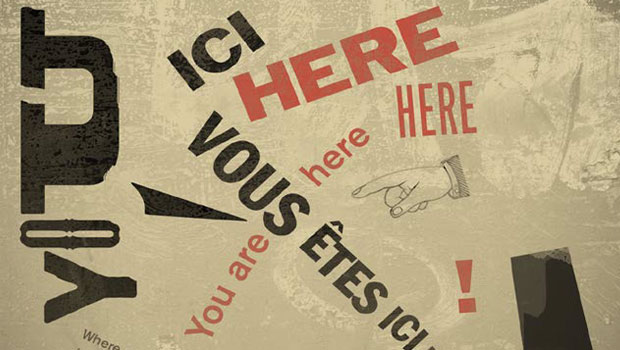
Designing with Type: Grunge, Punk, and Futurism
A fascinating and fun look back at the grungy type of the ’90s and its ancestors...

Article
InQuestion: Hanging Page Numbers on the Right Side of a Table of Contents
Sandee Cohen shows how to use an obscure bit of paragraph formatting make page n...

Article
Laugh at Printing Problems
You may have heard that Adobe launched Adobe TV last month. It's not a TV channe...