




This article was last modified on August 11, 2017
This article was first published on
Commenting is easier and faster when you're logged in!
Loading comments...

Recommended for you

Article
Ten Ways Dungeons & Dragons Has Made Me a Better Graphic Designer
I had always been curious about Dungeons & Dragons, but I didn’t start playi...

Article
Extending InDesign Nested Styles for Exceptions
Add flexibility to your nested styles with the use of nonbreaking spaces
Article
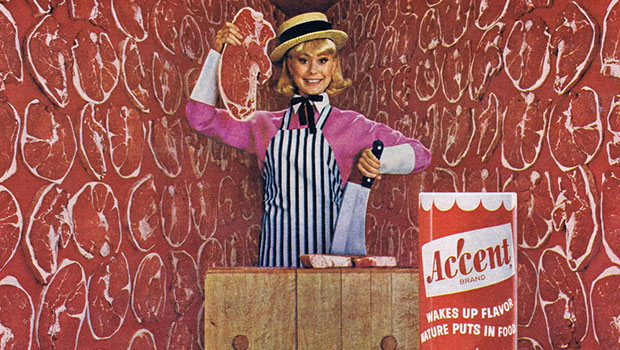
Scanning Around With Gene: Oddball Image Roundup Two
As I go through various publications and other sources looking for images, I alw...