




This article was last modified on July 2, 2017
This article was first published on
Commenting is easier and faster when you're logged in!
Loading comments...

Recommended for you
Article
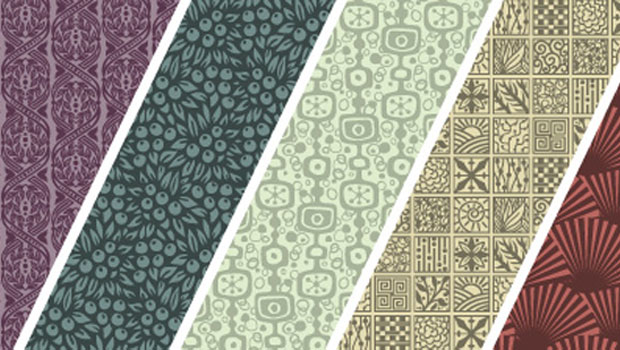
Fun with Pattern Fonts
Q: Do you have any suggestion on how to liven up my design using some unusual fo...

Article
Scanning Around With Gene: The Almost-Lost Art of Decal Printing
If all my dreams came true and I had unlimited time and funding, I’d spend a goo...

Article
Quark Adopts Microsoft Silverlight; Adds Silverlight Exporter to Quark Labs
Quark Inc. announced today that QuarkViewer XT supporting Microsoft® Silverlight...