




This article was last modified on May 22, 2017
This article was first published on
Commenting is easier and faster when you're logged in!
Loading comments...

Recommended for you

Article
InDesign Poll Results: Which tool(s) should be removed from the toolbar?
Hey folks, it's time to review the results of our latest InDesign poll, and...
Article
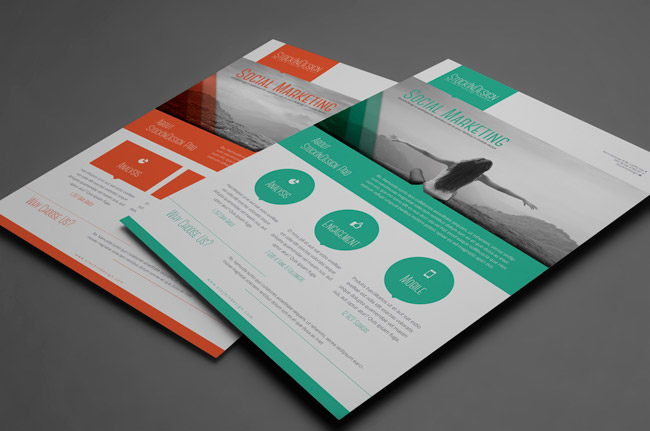
Premium Member Benefit: Corporate Flyer Templates
Time for another exclusive template for our Premium members! (Not a Premium memb...
Article
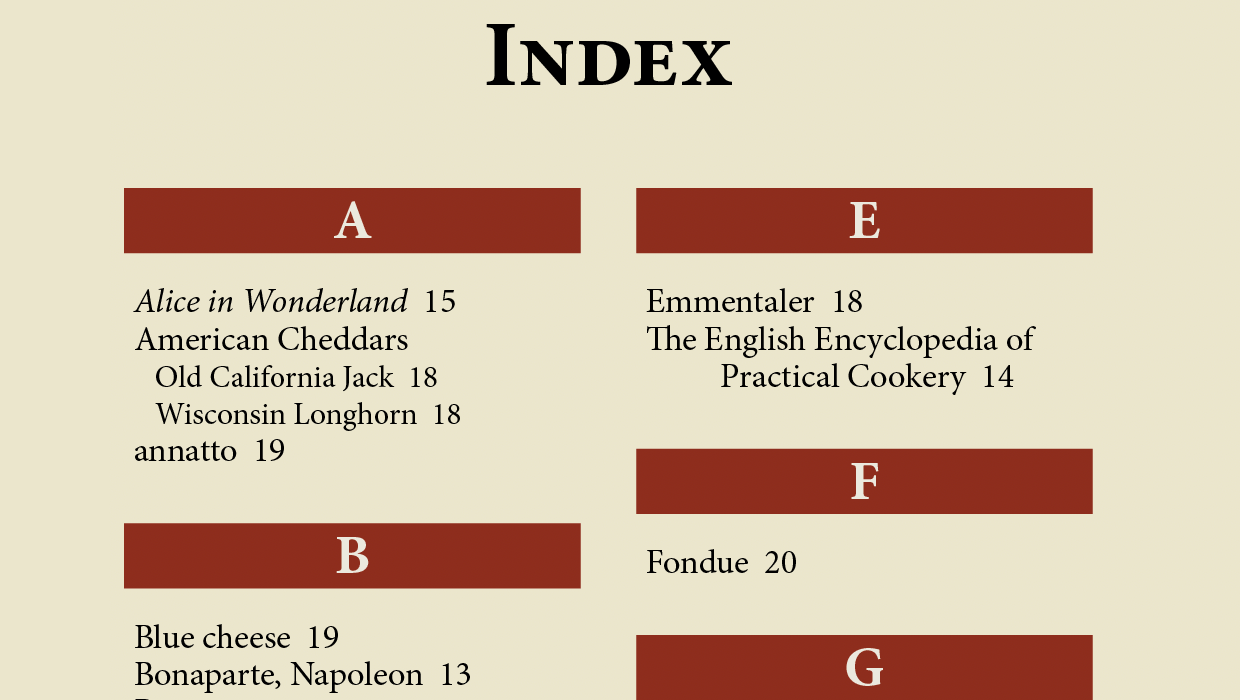
How to Preserve Italics in an InDesign Index
How to use GREP Find/Change to apply formatting to text in an InDesign index