Reply To: Custom Chapter Breaks


This article was last modified on January 27, 2017
This article was first published on
Commenting is easier and faster when you're logged in!
Loading comments...

Recommended for you

Article
Turn Any Object Into a Transparency Mask
A mask covers your face so you can't see it, right? And masking tape covers some...
Article
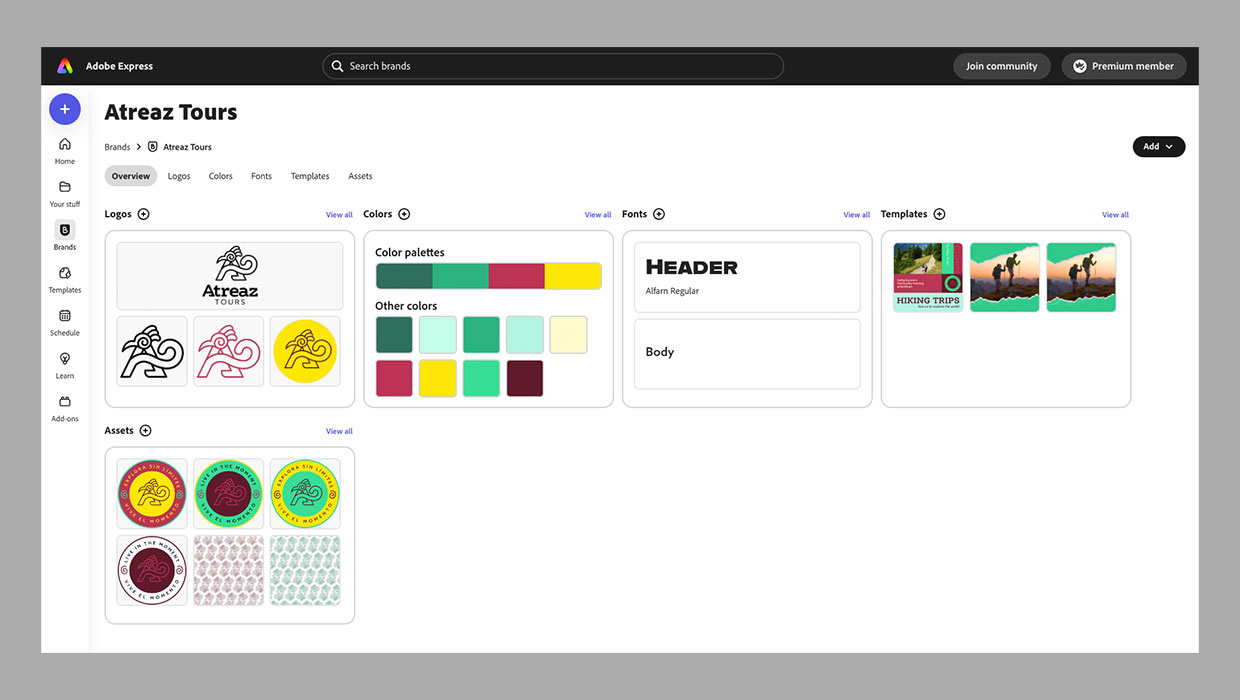
Setting Up Your Brand Kit in Adobe Express
Learn how to set up a brand kit in Adobe Express to provide your clients with a...