




This article was last modified on May 11, 2016
This article was first published on
Commenting is easier and faster when you're logged in!
Loading comments...

Recommended for you
Article
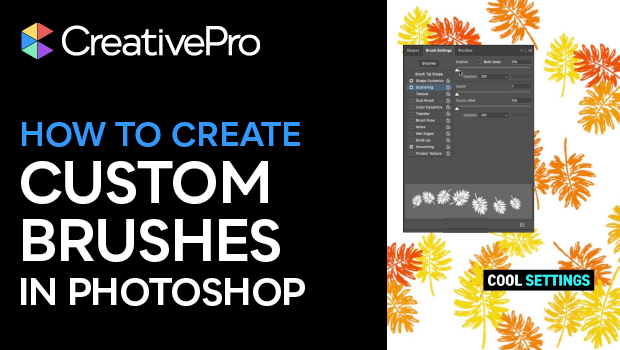
How to Create Custom Photoshop Brushes
Khara Plicanic shows you how to make virtually anything—a photo, shape, hand-dra...

Article
Why the “Document fonts” folder and Data Merge don’t mix
Why document fonts may not work as intended with Data Merge in InDesign, and how...

Article
How to Add Chapter Numbers in a Table of Contents in InDesign
Learn how to add a chapter number to an InDesign table of contents entry, even w...