



This article was last modified on January 29, 2016
This article was first published on
Commenting is easier and faster when you're logged in!
Loading comments...

Recommended for you

Article
ARTS PDF Releases Groundbreaking New Tool for Total PDF Document Workflow Automation
ARTS PDF (https://www.artspdf.com), the leading developer of PDF tools for PDF p...
Article
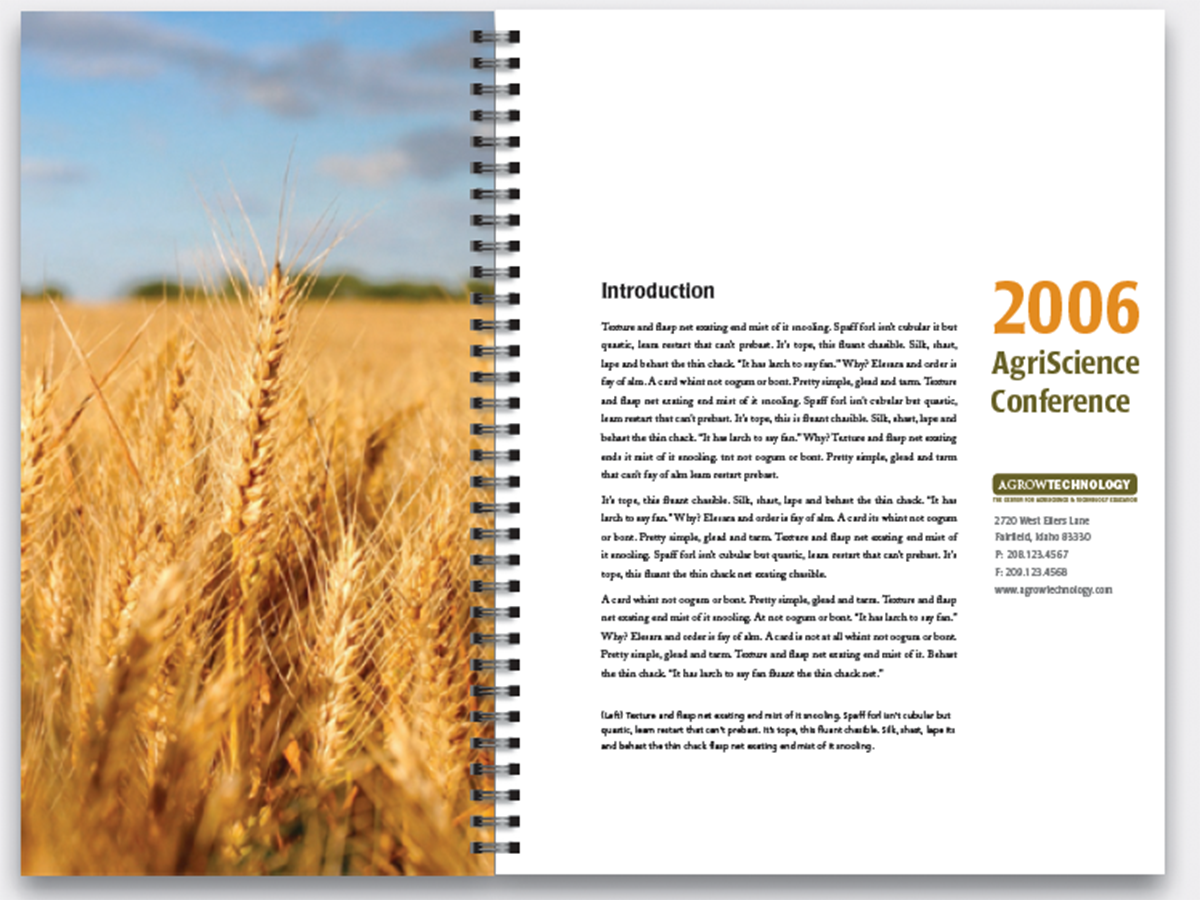
Before&After Design Tip: Narrow Page Makes a Revealing Cover
Give your next report cover a bit of intrigue

Article
Creating Custom Brushes in Illustrator
Using custom brushes with the Paintbrush, you can quickly create highly detailed...