



This article was last modified on July 23, 2015
This article was first published on
Commenting is easier and faster when you're logged in!
Loading comments...

Recommended for you
Article
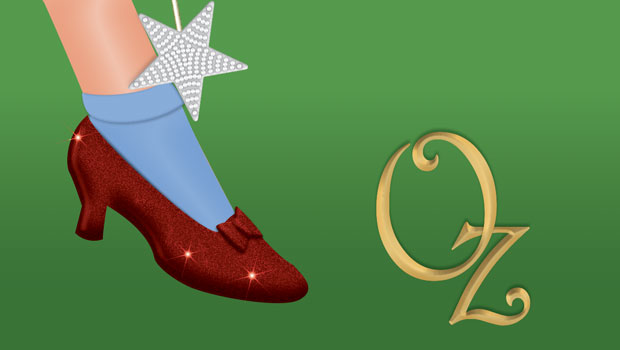
Wizard of Oz FX: Ruby Slippers
Are you ready to make some ruby slippers like Dorothy's from the Wizard of Oz? J...

Article
This Week in InDesign Articles, Number 12
Nine links about InDesign you ought to check out when you get a chance.

Article
macOS Catalina is the End of the Road for InDesign CS6
As the saying goes, time waits for no one. Nor does it wait for our favorite sof...