




This article was last modified on April 3, 2015
This article was first published on
Commenting is easier and faster when you're logged in!
Loading comments...

Recommended for you

Article
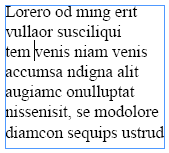
URLs: Breaking (Badly)
With the help of GREP styles, you can solve the problem of bad breaks in long UR...
Article
The Frank Romano Show Returns to WhatTheyThink, Sponsored by Press-sense
WhatTheyThink.com, the leading news and analysis site for the printing and publi...

Article
CreativePro Video: Using InDesign’s Shortcuts in Microsoft Word
In this week’s CreativePro video, Anne-Marie Concepción shows how to set up Micr...