




This article was last modified on December 28, 2014
This article was first published on
Commenting is easier and faster when you're logged in!

Recommended for you
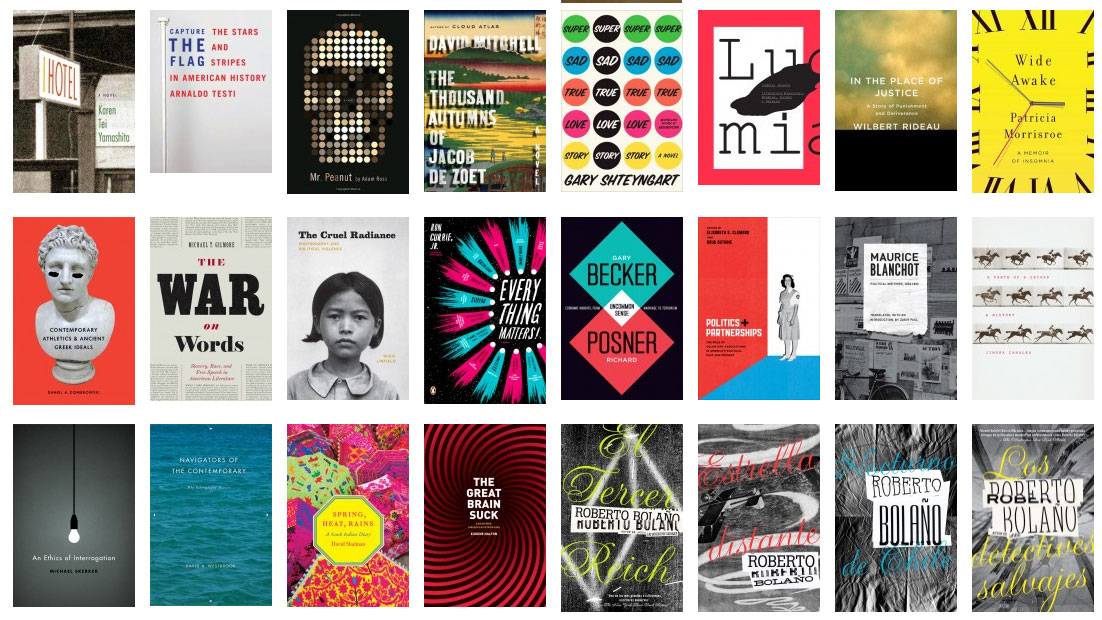
The Book Cover Archive is a Treasure Trove of Design Inspiration
Next time you feel the need for a little visual inspiration, head directly to Th...

CreativePro Conference Speaker Spotlight: Chris Converse, Designer and Coder
Welcome to our new series of posts called Speaker Spotlight, designed to highlig...

CreativePro Video: Glyphs and Text Alternates
In this week’s CreativePro video, Nigel French explains how text alternates can...