




This article was last modified on October 11, 2014
This article was first published on
Commenting is easier and faster when you're logged in!
Loading comments...

Recommended for you
Article
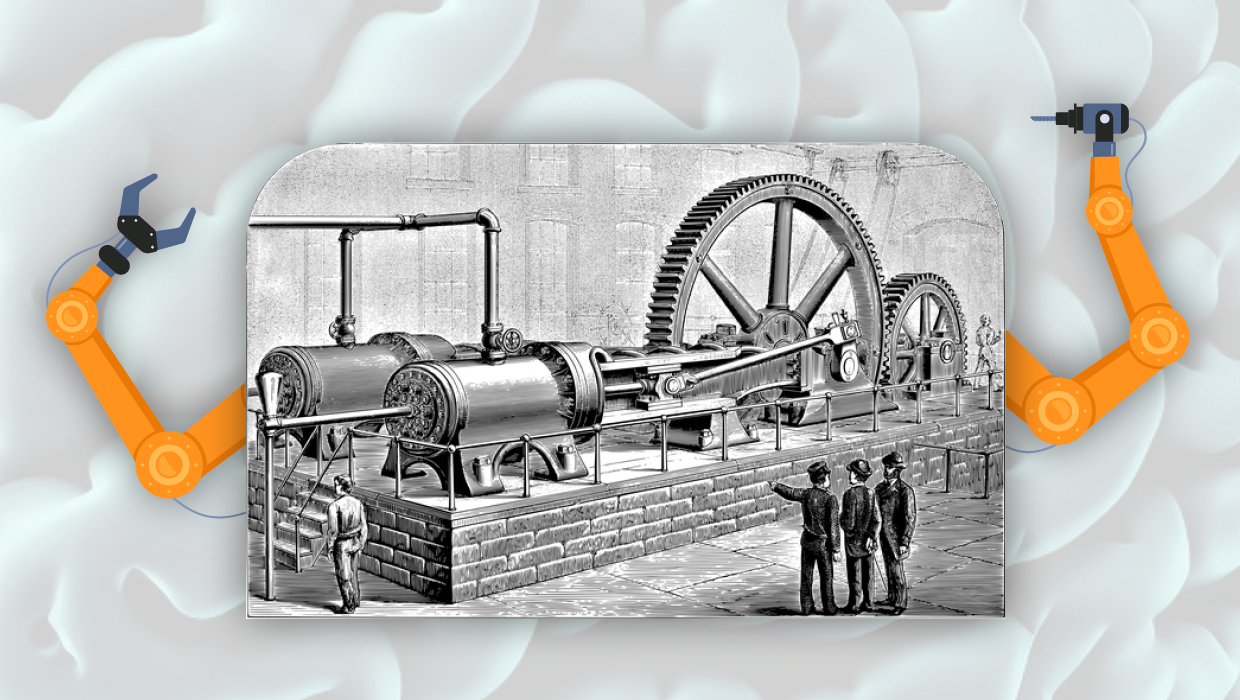
Opinion: A Real Look at Artificial Intelligence
What past technological upheavals reveal about the future of AI

Article
Ascender Corporation to Provide OpenType Font Services to QuarkXPress Users
Quark Inc. and Ascender Corporation today announced that new features in the for...

Article
Base a Paragraph Style on a Character Style
Colin wrote: I've created several character styles, but now I want them to be pa...