




This article was last modified on October 10, 2014
This article was first published on
Commenting is easier and faster when you're logged in!

Recommended for you
Lethal Lookalike Words and How to Spot Them
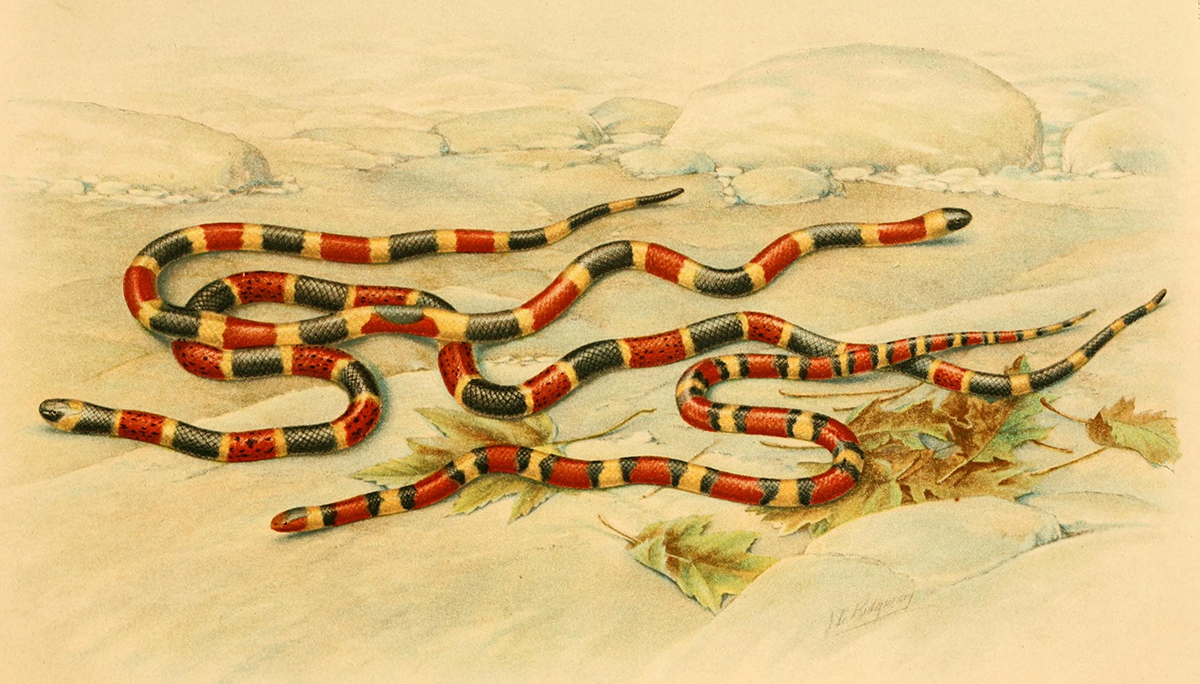
Apologies to all the ophidiophobes (folks freaked out by snakes). But this image...

dot-font: Czech Mates
dot-font was a collection of short articles written by editor and typographer Jo...

This Week in InDesign Articles, Number 67
InDesign School never ends -- there's always more to learn, and these links, art...