



This article was last modified on September 8, 2022
This article was first published on
Commenting is easier and faster when you're logged in!

Recommended for you

Get to Know InDesign's Glyphs Panel
Many people who use InDesign can't precisely define the word “glyph.” While we m...
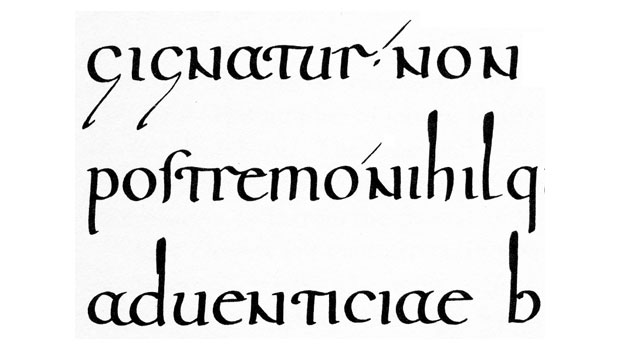
The Ups and Downs of Ascenders and Descenders
The appearance of ascending and descending characters is largely an accident of...

CreativePro Video: Fill Images to Slides in PowerPoint
In this week’s CreativePro video, Nolan Haims demos how he fills an image to fit...