




This article was last modified on April 15, 2022
This article was first published on
Commenting is easier and faster when you're logged in!
Loading comments...

Recommended for you

Article
How to Solve Typographic Widows and Orphans
Discussions of typographic widows and orphans normally start with an argument ab...
Article
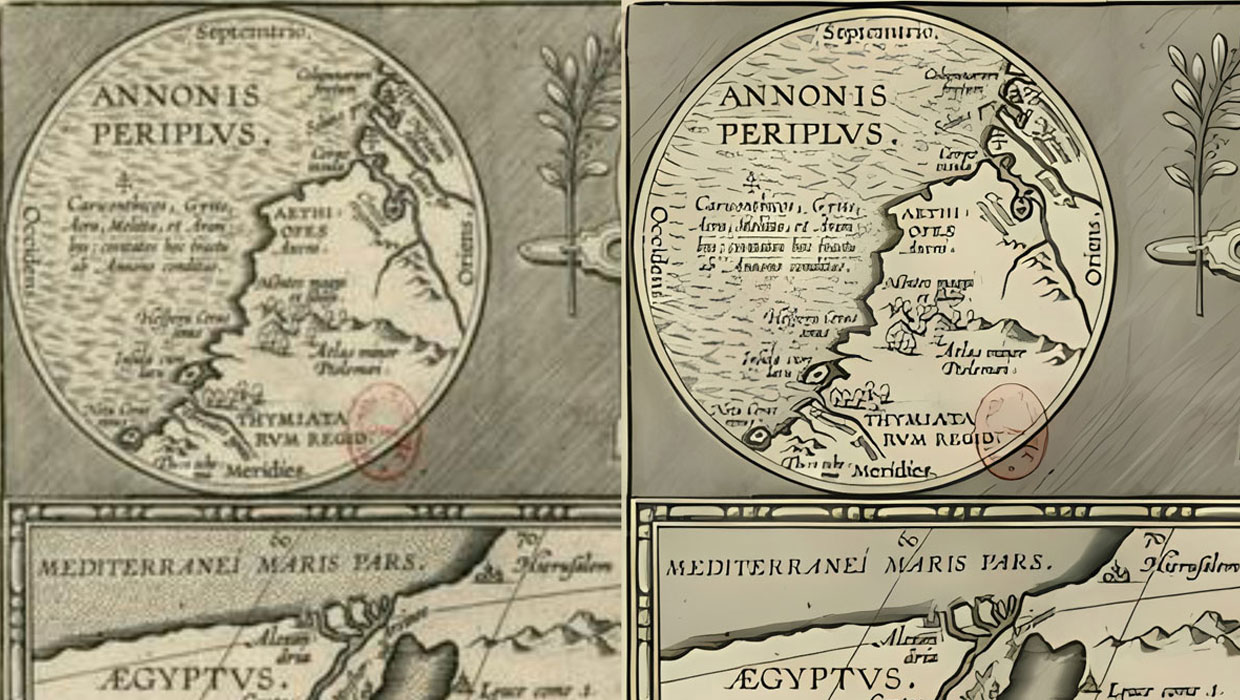
Upscayl: Enlarge Your Images with Help from AI
A remarkably effective and free solution for upscaling low res images
Article
Magazine PIB Revenue and Pages Post Gains in April
Total magazine rate-card-reported advertising revenue for the month of April inc...