




This article was last modified on September 30, 2020
This article was first published on
Commenting is easier and faster when you're logged in!
Loading comments...

Recommended for you
Article
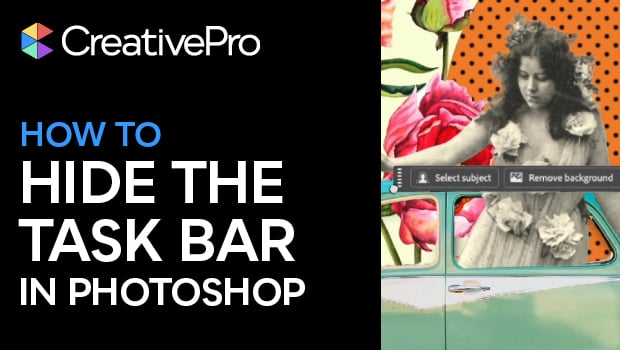
Hide the Contextual Taskbar in Photoshop
Get the contextual task bar out of your way in Photoshop with this quick tip!

Article
Confusing Type Terms, Part 2
Within the world of typography, there are a variety of terms that are either con...

Article
Tip of the Week: Resizing Frames with a Click
This tip was sent to Tip of the Week email subscribers on April 2, 2015. Sign up...