




This article was last modified on April 5, 2018
This article was first published on
Commenting is easier and faster when you're logged in!
Loading comments...

Recommended for you

Article
Stocksy United: a sustainable option for photographers
Stocksy United is a new co-operative stock photography site co-founded by Bruce...
Article
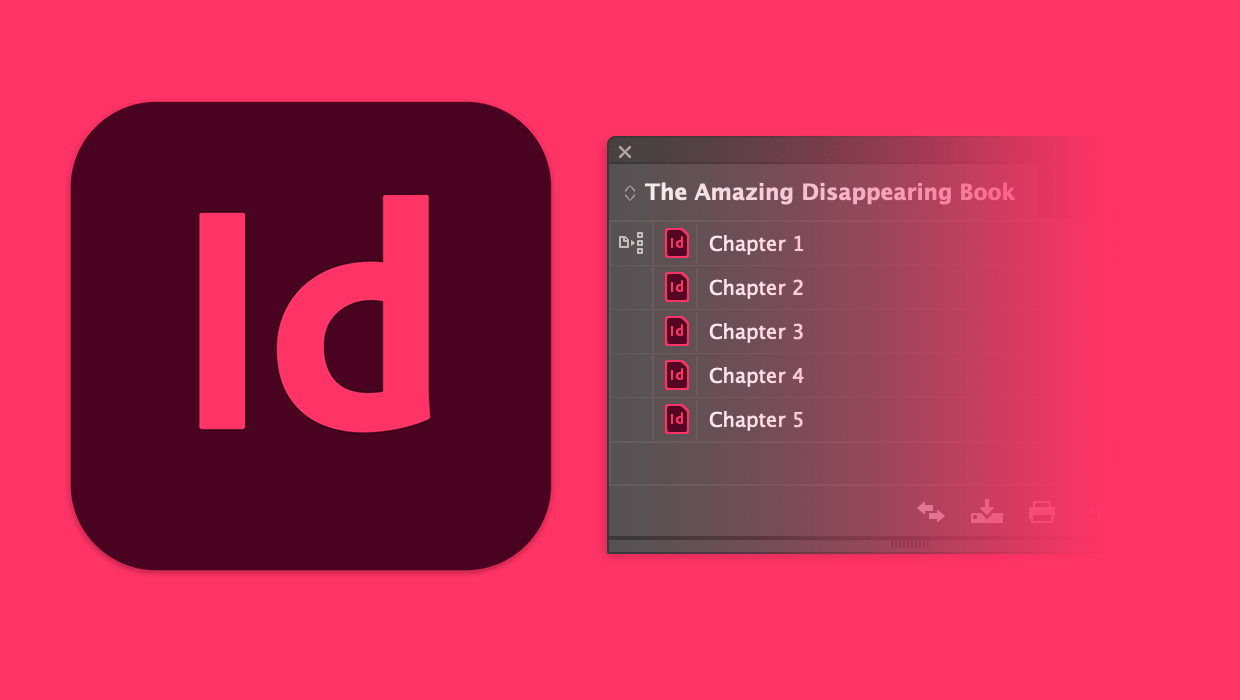
How to Keep the Book Panel from Disappearing in InDesign
A simple tip to keep the Book panel where you left it in InDesign

Article
InDesign How-To: Editing Drop Shadows
This video tutorial is excerpted from "QuarkXPress to Adobe InDesign – Making th...