




A request that I hear often is the ability to specify the width and height of a frame as part of an Object Style. Perhaps you’re using separate frames for pull quotes in the sidebar area of a magazine, and you want all these frames to be the same width. The trouble is, the Object Style Options dialog box has no controls for specifying frame dimensions…or does it? It turns out there’s a pretty slick way to specify the width of a frame (but not the height) as part of an object style.
Choose Text Frame General Options in the Object Style Options dialog box, and choose Fixed Column Width, and then specify the width you want your frame to be in the Column Width field.

Now, just create a text frame on your page by dragging with the Type tool. Make a small frame, any width, as long as it is narrower than the width you want. Then switch to the Selection tool and click on the Object Style you just created. The frame will automatically snap to the width you entered in the Object Style.
This will only work for text frames. But remember that you can switch a text frame to a graphic frame or contentless frame by choosing Object > Content.
This article was last modified on December 21, 2021
This article was first published on May 5, 2011
Commenting is easier and faster when you're logged in!

Recommended for you

Remove Blemishes in Photoshop With a Click
Khara Plicanic shows us how to remove blemishes from skin in Photoshop with just...
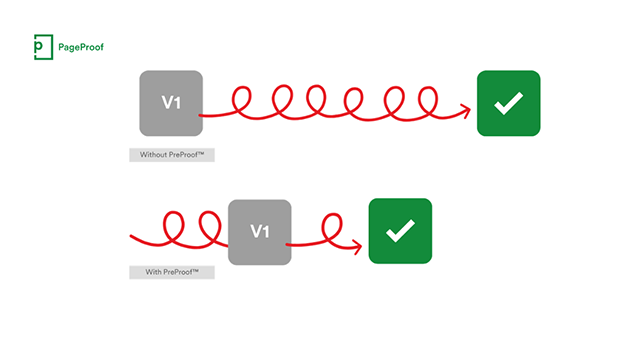
PageProof unveils PreProof™, giving creative teams better first proofs and fewer review rounds
PageProof’s new PreProof™ capability helps designers catch spelling, brand, and...

Making Tables Accessible
Learn how to correctly tag complex PDF table headers for screen readers with Dax...