




[Note that this post refers to InDesign CS3 and earlier. Current versions of InDesign do have a cross-references panel.]
One of the most common requests we see from InDesign users is “How do I do cross-references in InDesign?” Everyone assumes that x-refs must be really easy in a program as powerful as this, but unfortunately Adobe has not yet implemented this feature into the program. So here are a few options you should check out:
- Cross-References plug-in from DTPtools. This is probably the most powerful and robust of the options, and is surprisingly inexpensive. If you’re used to FrameMaker’s x-refs, you should definitely check this out.
- The InXref plug-in from Virginia Systems. Virginia takes a very different approach to cross-references. I’m not as impressed, and it’s more expensive than the one from DTPtools.
- Teus de Jong wrote a nifty little script and is giving it away for free on his site; or click here to download the zip file. This script relies on using hyperlinks. It’s quite good for many x-ref needs.
Of course, we want this feature built-in to InDesign, but until CS4 (or CS5?) these add-ons will sooth the headaches.
This article was last modified on December 18, 2021
This article was first published on August 22, 2007
Commenting is easier and faster when you're logged in!

Recommended for you
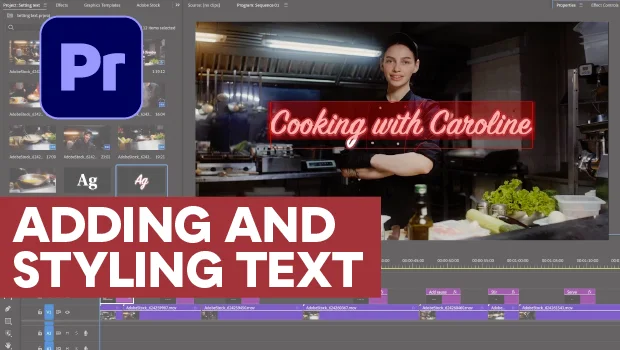
Adding and Styling Text in Premiere
Myra Ferguson covers text formatting and safe margins in Premiere.


A Script to Rotate Objects in InDesign with an Object Style
If you were to ask me how to use an object style to rotate objects in InDesign,...