




You may know that there are Chinese, Korean, and Japanese versions of InDesign. And you may know that you can open an Asian InDesign document in an English copy of InDesign. But did you know that the reason this works is that the American/International English versions of InDesign actually have built-in all the features required to do typesetting in Asian langauges?
The problem (for some of us) is that Adobe won’t let us get to the Asian features with our English user interface (UI). It’s like a computer manufacturer putting a DVD player in a computer without adding a slot to actually insert the DVDs!
Diane Burns writes about this in the current issue (#12) of InDesign Magazine, and she’s asking people who want Asian typesetting and layout features but want to use an English UI to fill out a survey here: https://www.techart.com/idsurvey/.
Diane’s article discusses some clever workarounds to this problem (including a cool template you can download). But I think a better option would be for Adobe to sell an extra plug-in that simply “turns on” these features for people who need them. What do you think?
This article was last modified on December 18, 2021
This article was first published on June 9, 2006
Commenting is easier and faster when you're logged in!

Recommended for you

InDesign Magazine Issue 70: Inspired Designs
We’re happy to announce that InDesign Magazine Issue 70 (February, 2015) is...
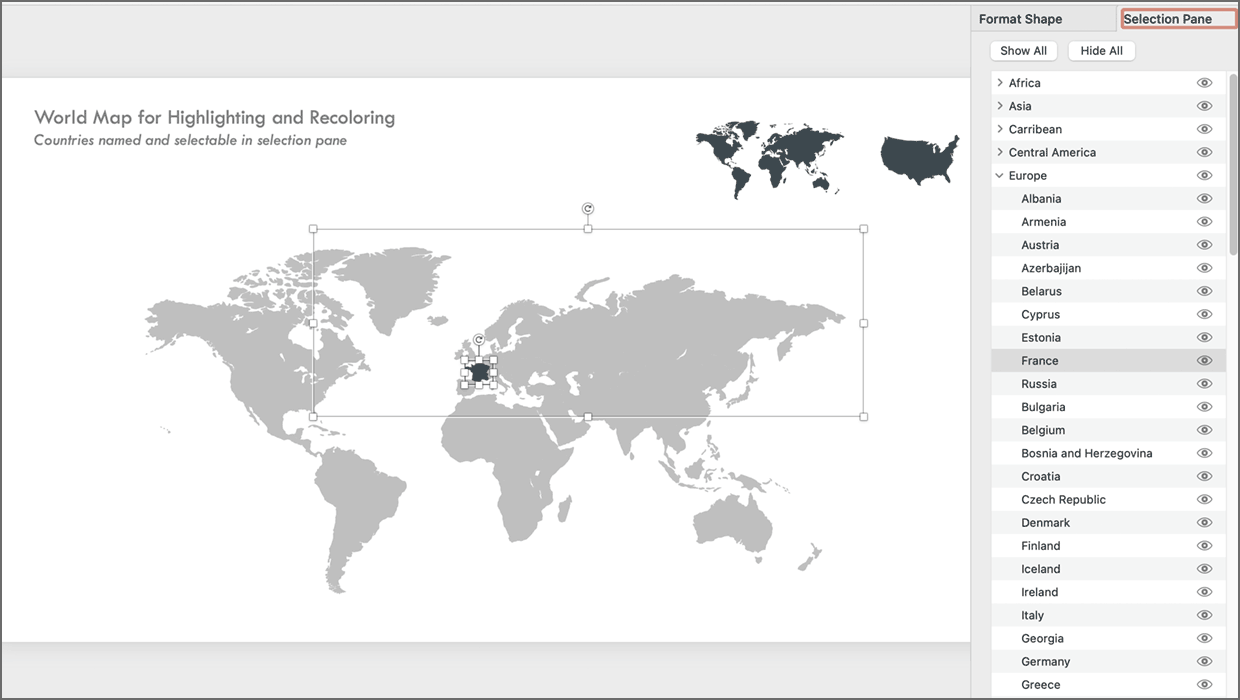
PowerPoint Maps Template
This PowerPoint template contains maps of the United States and world countries...

InDesign Magazine Issue 143: Adobe Mobile Apps for Designers
Issue 143 has articles on Adobe Mobile Apps for Designers, Preferences You Must...