For my final tip at last week’s PEPCon, I showed a little AppleScript for working with IDML that I found on an InDesign scripting forum. It was written by renowned AppleScripter Shane Stanley of AppleScript Pro Sessions and it allows you to drag and drop an IDML file on to the script (compiled as an application) to unzip the IDML into a folder structure. You can then poke around the files within, and edit them. You can also use apps with powerful search and replace features like Dreamweaver, Oxygen, BBEdit, and so on to find and modify content within the folder. When you’re done editing, just drop the folder back on top of the script to get a new IDML file with a “+” added to the filename to preserve your original file. Smooth as silk. If you’re a Mac user, it’s a very handy tool to have at your disposal, and big thanks to Shane for making it.
To take things one step further, I tinkered with the script to make versions for the other file formats that InDesign exports which are basically disguised ZIP archives: the new version of FLA (formerly known as XFL), and of course, EPUB. I also made a version for playing around inside Word’s DOCX files. If you’d like to give them a try, click the image below to download all four scripts for decompressing and recompressing IDML, EPUB, FLA, and DOCX.

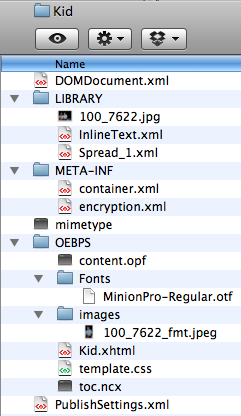
Then with a drag and drop you can turn this:

Into this:
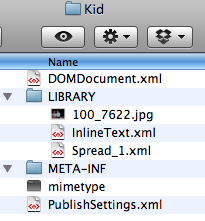
Or this:

into this:
Or this:

into this:

But why would you want to crack open something like a DOCX?
David Creamer gave one answer to that question with his great tip at PEPCon, showing how to extract images from a Word doc. DOCX archives contain all graphics that have been placed into the Word file, in their full, high-res glory. You just have to know where to look. Hint: look in the Media folder ;)

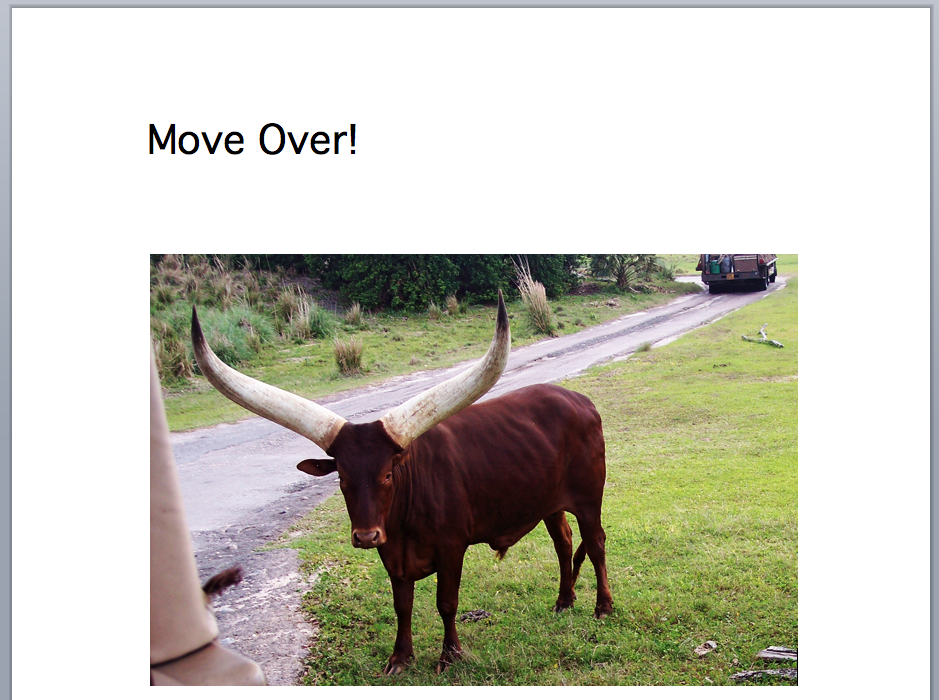
Microsoft’s Office Open XML is a nasty format for an XML tourist like me to wade through. Reading it makes IDML and EPUB seem like a comic book by comparison. But what good’s having a computer if you can’t break things with it? So in the interest of weird science, I plowed ahead and edited the art and text inside the DOCX shown above. Word complained ominously about corruption when I re-opened the file.
But I called its bluff. The file did open, and it reflected my changes.

That’s what you call taking the bull by the horns.
This article was last modified on December 20, 2021
This article was first published on May 18, 2010
Commenting is easier and faster when you're logged in!