




PPV wrote:
I am having trouble changing my document settings from picas to inches. I change them by Ctrl+clicking the ruler — but is there another way to do this so the change stays every time I open InDesign?
It’s great that you know how to change the measurement systems in the rulers by Control-clicking on them (or right-clicking if you have a two-button mouse… I encourage you to get a two-button mouse, or — if you have an Apple magic mouse, just program it to do a “right-click” when you lean it to the right). You can also change them with a keyboard shortcut.
But you’re correct that this changes the rulers for just this one document. Measurements are document-wide settings, so they apply to just one document at a time.
However, if you close all your documents (what we in the biz call the “no pub state”) and then change the ruler measurements, it will affect all new documents you create from now on.
But, wait! How can you change the rulers when no documents are open? (You can’t see any rulers.) The answer is the Preferences dialog box, which you can get to from the InDesign menu on the Mac, or the Help menu in Windows. The Units & Increments pane of this big ol’ dialog box is the ticket:

That’s how you change all the “default settings” in InDesign: change them while all docs are closed. For example, you can add color swatches to the Swatches panel, or new styles to the Paragraph Styles panel, or change various settings in the preferences dialog box, and so on. Not all the controls in the Preferences dialog box are document-wide; some are application wide (they change the app, whether documents are open or not). Read more about that here and get a visual guide to which is which here.
This article was last modified on December 21, 2021
This article was first published on January 18, 2012
Commenting is easier and faster when you're logged in!

Recommended for you
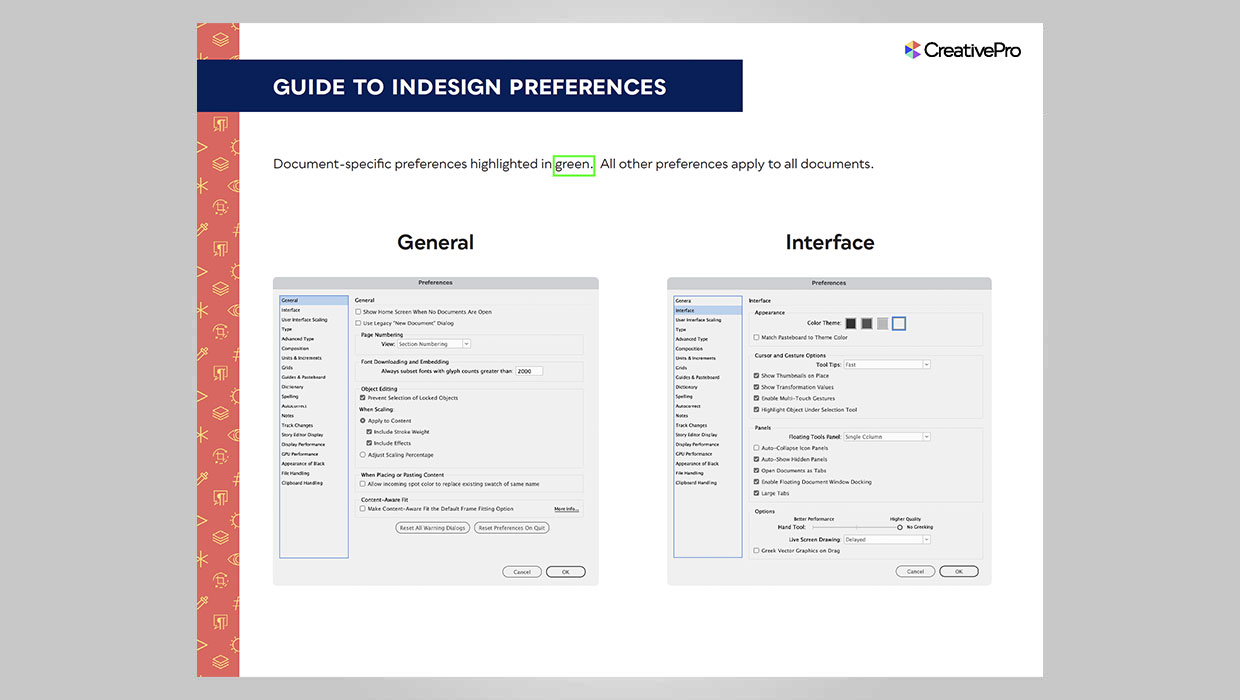
InDesign Downloadable: Preferences Guide
A guide to which preferences are global and which are document specific in InDes...
Placing Precise Guides in InDesign
Drop guides in InDesign precisely where you want them with these quick tips!
Review: Astute Manager Pro
This new service makes it easy to back up, restore, and sync your Illustrator se...