



TypeTalk is a regular blog on typography. Post your questions and comments by clicking on the Comments icon above. If Ilene answers your question in the blog, you’ll receive one Official Creativepro.com T-Shirt!
Q. How can I create my own font? What program is best to use?
A. The answer depends on what you want to do. To create new, full-blown, professional-quality OpenType fonts, FontLab Studio ($649) is the way to go. This professional font editor is used by foundries and typeface designers alike. It is the only program that fully supports the advanced OpenType features, including extended characters sets, advanced kerning and hinting capabilities, and complete Unicode support. If you go this route, check out Learn FontLab Fast by Leslie Cabarga.
Font Lab Studio 5’s Glyph Window.
This article was last modified on January 9, 2022
This article was first published on April 24, 2008
Commenting is easier and faster when you're logged in!

Recommended for you
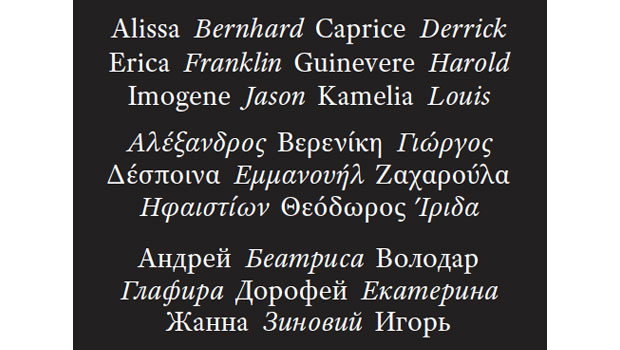
Fonts that Ship with Adobe CS5
In the Adobe blog “Typblography,” Nicole Minoza spells out which fon...

Quark and The Art Institutes Annual Design Competition Honors Students' Tribute to Typography
Quark Inc. today announced the winners of its annual graphic design competition...
Type Posters, Prints, and Notecards
You don’t have to be a full-on type nerd to appreciate the artwork for sal...