

Kat Kremser

Kat Kremser

About

Kat Kremser has been working in the design industry for over 20 years, holding a wide variety of positions, from in-house designer to freelance jack of all trades.

Passionate about creativity and driven by curiosity, she constantly explores new tools and technologies to enhance her design process. Whether it’s code, color, or words, Kat loves the art of communicating through design.

She is Adobe Certified in Illustration & Graphic Design and currently serves as the lead instructor for Vector Art Academy, where she teaches art and design with a focus on vector illustration.

In her spare time, Kat, volunteers as a community moderator for several online design groups, helping to foster creativity and collaboration.

Speaking at these events

Archived
Design + AI Summit 2024
December 9–10 • Archived Event

Join us online November 13–14, 2024 for The Design + AI Summit to learn how to thrive with AI tools.

Learn more
Article
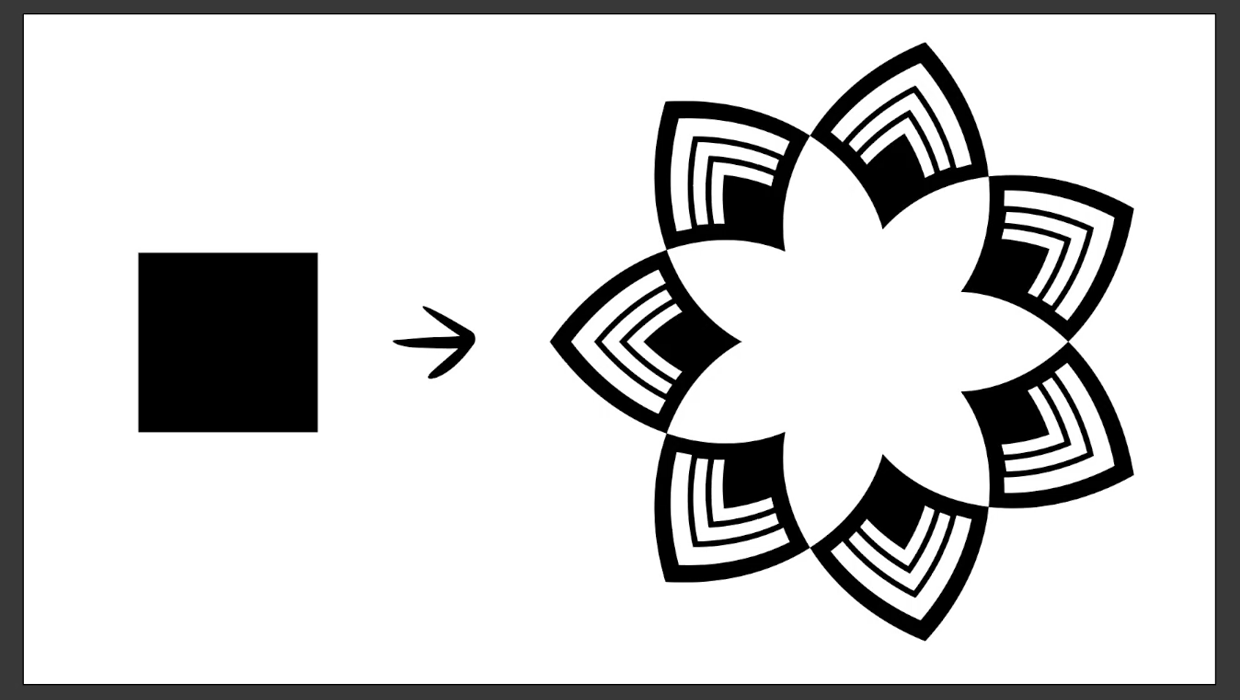
Create a Reusable Art Deco Pattern Brush in Adobe Illustrator

One of Illustrator’s greatest strengths is the ability to easily make reusable design assets like brushes and pattern swatches that can transform dull designs into eye-catching works of art in just a few clicks. Building up your personal library of design assets can be a real game-changer, allowing you to easily apply consistent style elements […]

Learn more
Article
Illustrator’s New and Updated Artboard Features

Discover the new features and updates to Illustrator’s artboards with Kat Kremser!

Learn more
Article
How to Use Illustrator’s New Turntable Feature

Tilt and turn your artwork with the Turntable feature in the Illustrator Beta app!

Learn more
Article
Vectorizer.ai Review

Create high-quality vector files fast with this flexible tool.

Learn more
Article
Project Turntable: First Look

This impressive Illustrator beta feature introduces a whole new dimension to vector art.

Learn more
Article
How to Use Illustrator’s New Generative Expand

Take a first look at how to use Illustrator’s new Generative Expand feature and explore how the tool performs with different types of illustrations.

Learn more
Article
How to Share Illustrator Swatch Groups

Learn how to use Illustrator’s brand-new Swatch Info feature and how to add swatch groups to CC Libraries.

Learn more
Article
How to Create Swatch Groups from Color Blends in Illustrator 

Learn how to create swatch groups from color blends in Illustrator and save them to your Creative Cloud library for use across all Adobe apps.

Learn more
Article
How to Create a Neon Glow Effect in Illustrator

Learn how to create a neon glow effect in Illustrator and save it as a graphic style for easy re-use.

Learn more
Article
How to Align and Distribute Objects in Illustrator

Learn how to align and distribute objects in Illustrator, take a look at the difference between alignment modes, and set custom spacing between objects.

Learn more
CPW Icons

June 29–July 3, 2026

Nashville, TN (and online)