

Jay Nelson

Jay Nelson

About

Article
Review: FontExplorer X Pro 5

Font management is a fact of life for all creative professionals, and while the technical nuts-and-bolts of the process can be mind-numbingly complex, font management utilities also have features that are outrageously useful, educational, and fun. In this story, we’ll explore some designer-friendly features of Monotype’s FontExplorer X Pro that will get your inner font geek jumping […]

Learn more
Article
Review: Q2ID

Earlier this year, I assisted in the production of Essential Chinese Formulas, a book of Chinese herbal medicines. We used QuarkXPress 10 because of its robust support for East Asian languages, and the author’s previous familiarity with QuarkXPress. (A decade earlier, we used QuarkXPress to produce his award-winning clinical desk reference Chinese Herbal Patent Medicines.)   […]

Learn more
Article
Using OpenType Features in Adobe Creative Cloud Apps

OpenType Pro fonts are tremendously fun to use, with their fancy swash characters and built-in intelligence about which variants to use based on a character’s position in a word or sentence. Adobe’s Creative Cloud publishing apps (InDesign, Illustrator, and Photoshop) let you exploit the power of these advanced OpenType fonts, but you have to know […]

Learn more
Article
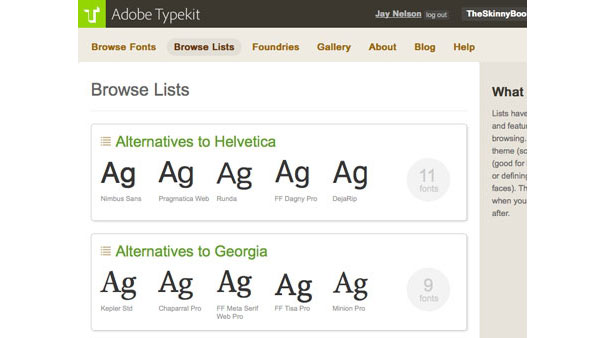
Using Adobe Typekit

Early in the desktop publishing revolution, fonts were very expensive and choices were few. But soon, font prices came down to the degree that graphic designers developed a saying: “He who dies with the most fonts, wins!” Joking aside, having a huge font collection isn’t about pride of ownership as much as it’s about having […]

Learn more
Article
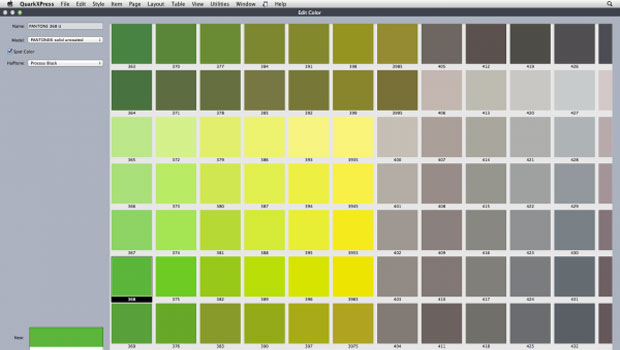
Review: Quark XPress 10

Pros: Vastly better picture previews, lots of feature improvements. Cons: Performance can suffer with lots of high-resolution pictures. Rating: 8/10 When an application as mature as QuarkXPress gets a new version number, you can expect a few big improvements and a whole lot of smaller ones. For big improvements in version 10, Quark chose to take on […]

Learn more
Article
PitStop Pro 12 Review

Pros: Offers users the ability to find, buy, and embed missing fonts; much easier editing of page items Cons: Pricey for an average designer Rating: 9/10 PitStop Pro 12 is a significant upgrade to this all-purpose (and all-powerful!) tool for preflighting and editing PDF files. It operates as a plug-in to Adobe Acrobat Standard or Pro, version […]

Learn more
Article
Catching Up with Quark

Quark Inc. was founded more than 30 years ago, and their flagship product QuarkXPress was released more than 25 years ago. In recent years, many graphic designers have switched to Adobe’s InDesign for their page layout needs, but both Quark and QuarkXPress have continued to develop and thrive — especially in the publishing markets (both […]

Learn more
Article
Review: QuarkXPress 9.1 with App Studio

Pros: Puts iPad publishing into the hands of average publishers, with access to dramatic new effects and features. Cons: Thanks to Apple, submitting an app is a convoluted affair and requires an iOS developer account. There are also two Flash-related bugs that, while they won’t apply to every user, will require some people to employ […]

Learn more
Article
Review: QuarkXPress 9

Pros: Publishes e-books to three formats; adds helpful new features for producing text-heavy documents regardless of their final destination. Cons: The App Studio for creating iPad apps may not be available until late July; some e-book formatting must occur after the document content is completely finalized. [Editor’s note: CreativePro.com will publish Jay Nelson’s mini-review of […]

Learn more
Article
QuarkXPress Tips for Type, Pages, & Paths

Reproduced with permission of Planet Quark Truly Global Font Replacement in QuarkXPress Unfortunately, there is no feature in QuarkXPress that lets you replace one font with another across master pages, document pages and style sheets. Here’s a trick that works: 1. Save the document and close it. 2. Use your font management utility (Suitcase, FontExplorer, […]

Learn more
CPW Icons

June 29–July 3, 2026

Nashville, TN (and online)