



Over the past two years, Ubermind has taken the digital photography world by storm; consistently delivering the highest quality Aperture export plug-ins available. Now, it’s set to change the map once again with the release of its first edit plug-in for Aperture: Maperture.
“Before today, geotagging photos either required you to own expensive camera equipment or was a slow and painful process involving multiple applications,” said Shehryar Khan, Ubermind’s CEO. “With the release of Maperture, we’ve streamlined that process by giving photographers an integrated solution for adding GPS data to their images. And the best part about it all, it’s absolutely free.”
Combining the power of Aperture and Google Maps, Maperture is a powerful, new edit plug-in for Aperture that makes geotagging your photos a snap. Whether you’re geotagging a few images, or your entire library, Maperture is the easiest, most intuitive way to add GPS data to your digital photos.
In conjunction with the launch of Maperture, Ubermind is also releasing an updated version of its popular Aperture to Picasa Web Albums plug-in. Version 1.4.2 capitalizes on Maperture’s capabilities by adding support for uploading geotagged images to Google’s photo sharing service.
Maperture Plug-in Details:
* Version: 1.0.1
* Post Date: 08/12/2008
* File Size: 8.0 MB
Maperture Minimum System Requirements:
* Aperture 2.0
* Mac OS X v10.4.11 Tiger or
Mac OS X v10.5.2 Leopard
Aperture to Picasa Web Albums Plug-in Details:
* Version: 1.4.2
* Post Date: 08/12/2008
* File Size: 4.8 MB
Aperture to Picasa Web Albums Minimum System Requirements:
* Aperture 1.5
* Mac OS 10.4
Pricing and Availability:
Maperture and the new version of Aperture to Picasa Web Albums are now available for direct download from Ubermind. Maperture is a free plug-in while Aperture to Picasa Web Albums comes with a 15 day trial.
Maperture: https://www.ubermind.com/products/maperture.php
This article was last modified on January 5, 2023
This article was first published on August 13, 2008
Commenting is easier and faster when you're logged in!

Recommended for you

Reducing the total ink limit in CMYK images using Photoshop
Having too much total ink in your CMYK document is a pretty common problem. Sure...
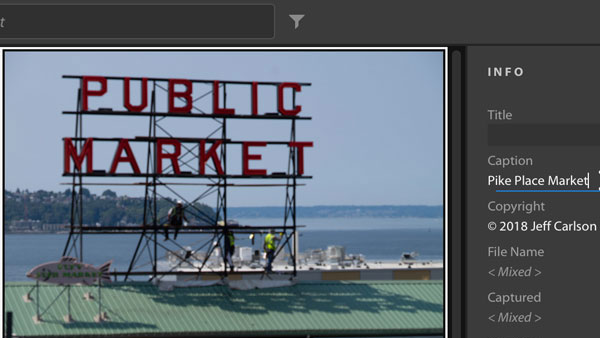
The Right Way to Assign Metadata to Photos in Lightroom
We all know it’s helpful to assign metadata to photos in Lightroom, but it alway...

Snapheal offers high-end photo retouching at a low cost
Without a doubt, one of the most amazing features of Photoshop CS5 and CS6 is co...