



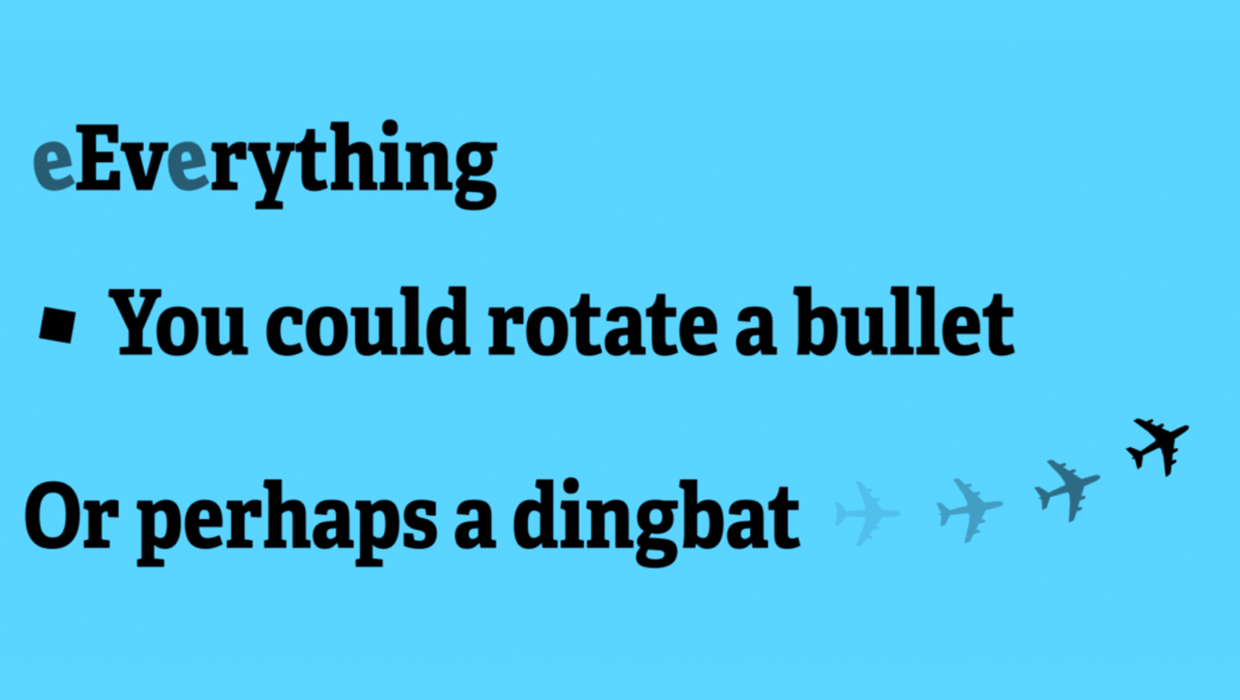
InDesign allows you to rotate text characters if you convert them to outlines. But what if you want to keep the text “live” and editable, but still rotate the characters? There’s a script for that!
The Japanese version of InDesign allows character rotation, but none of the other versions do. However, the character rotation property is accessible “under the hood” via scripting. The catch is that the “composer” of the paragraph must be set to the “Adobe Japanese Paragraph Composer” before the character rotation value works reliably.
So the script, which you can download here, changes the paragraph composer to the Japanese Paragraph Composer and then rotates the characters the amount you specify.
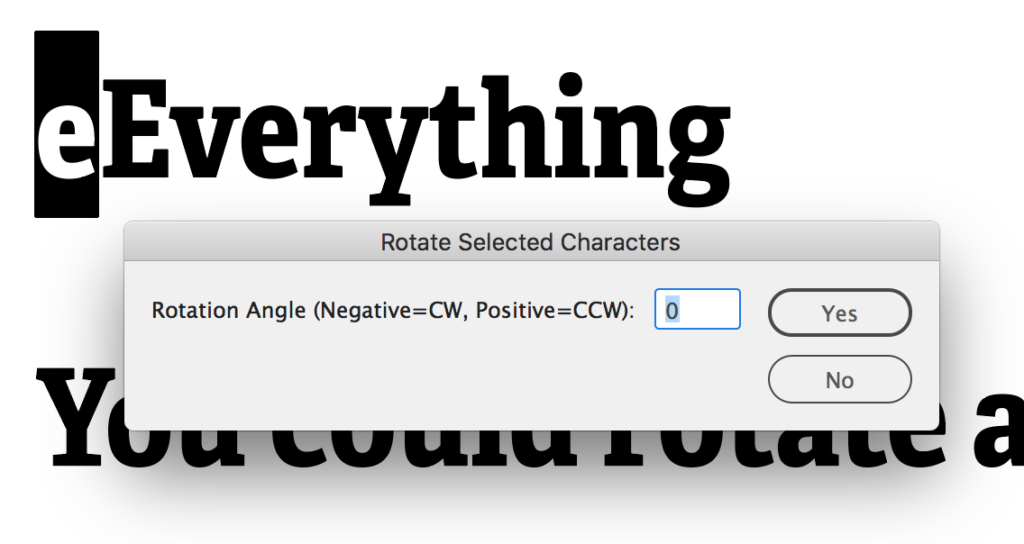
The drawback to applying the Japanese composer is that you’ll likely lose hyphenation in the paragraph, and other horizontal and vertical spacing in and around the paragraph may change. And you’ll likely need to fuss with the kerning on either side of the rotated character. But if you can live with these limitations, the script can be quite useful.

This article was last modified on February 10, 2026
This article was first published on June 5, 2017
Commenting is easier and faster when you're logged in!

Recommended for you
How to Save InDesign Files as Layered Photoshop Files
A script to take layered content from InDesign to Photoshop

A Script for Styling Punctuation in InDesign
This free script formats punctuation to match the text immediately before and af...

GoProof: The Modern Alternative to PDF Proofing
Every publishing workflow is only as strong as its weakest link. You can start w...