




This article was last modified on April 6, 2017
This article was first published on
Commenting is easier and faster when you're logged in!
Loading comments...

Recommended for you
Article
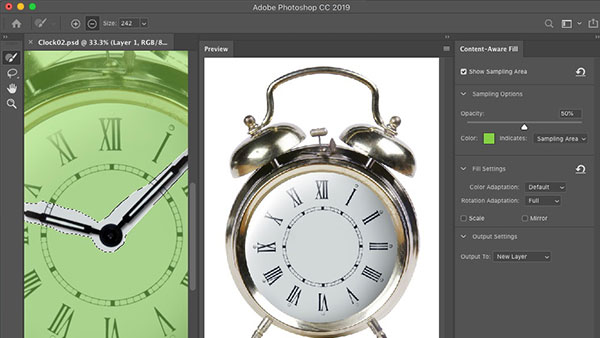
What’s New With Photoshop CC 2019
The 2019 release of Photoshop CC brings a raft of new and improved features that...

Article
Creative Fuel: Tips for Stimulating Creativity
Tips and suggestions on how to prime the mental pump and keep your creativity fo...

Article
How to Create and Manipulate Drop Shadows in Photoshop
Learn how easy it is to create drop shadows in Photoshop and then make adjustmen...