




This article was last modified on November 17, 2016
This article was first published on
Commenting is easier and faster when you're logged in!
Loading comments...

Recommended for you

Article
Plumb the Depths of Your InDesign Layout
Excerpted from the InDesign Secrets video training course on lynda.com. An InDes...
Article
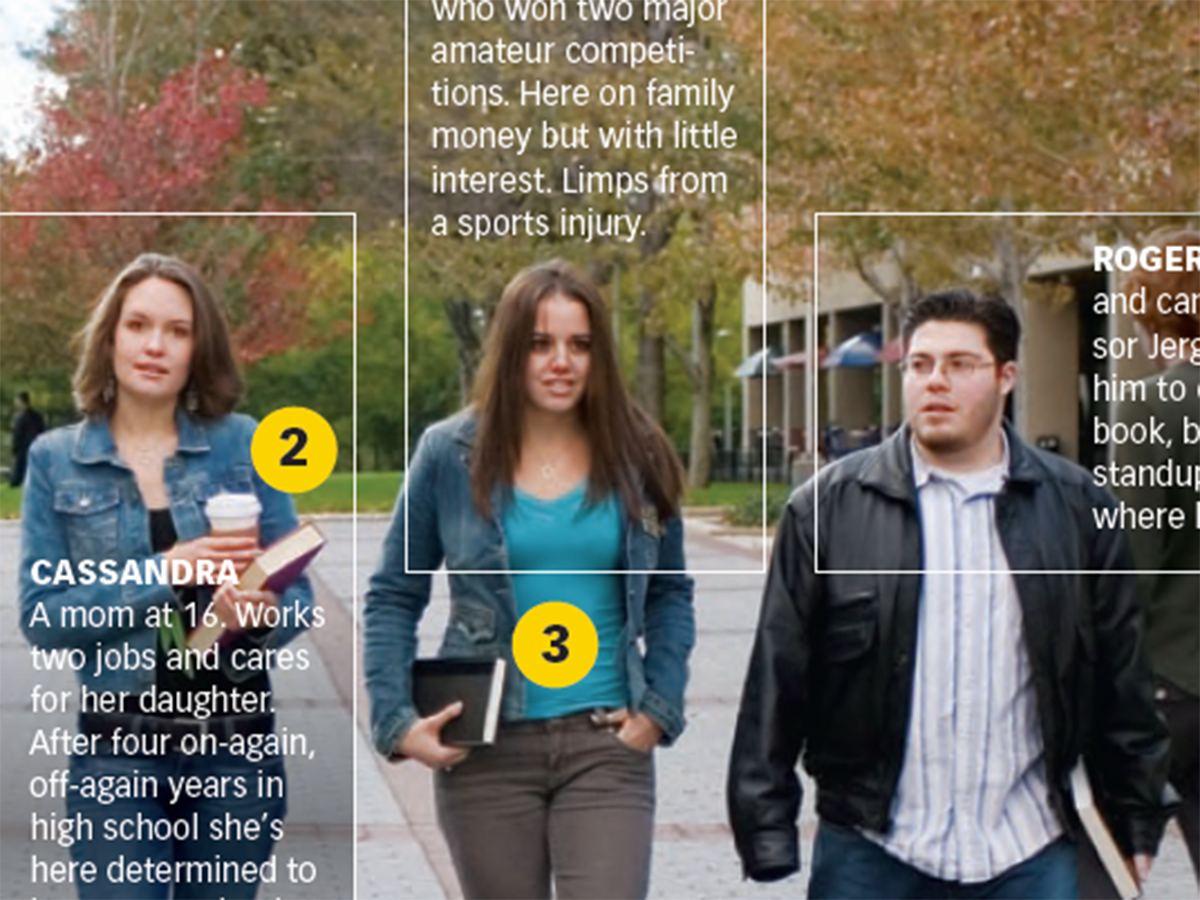
Before&After Design Tip: Multi-Caption Photo Tells Many Stories
Use more than one caption to unpack the detail in an image

Article
Photoshop How-To: Making Warhol-style Images
This story is taken from "Adobe Photoshop CS Creative Studio." The brightly colo...