




This article was last modified on August 18, 2016
This article was first published on
Commenting is easier and faster when you're logged in!
Loading comments...

Recommended for you

Article
CS4 Live Preflight Best at Checking for Font Embedding Problems
While InDesign CS3 and other utilities claim to identify protected fonts, Live P...
Article
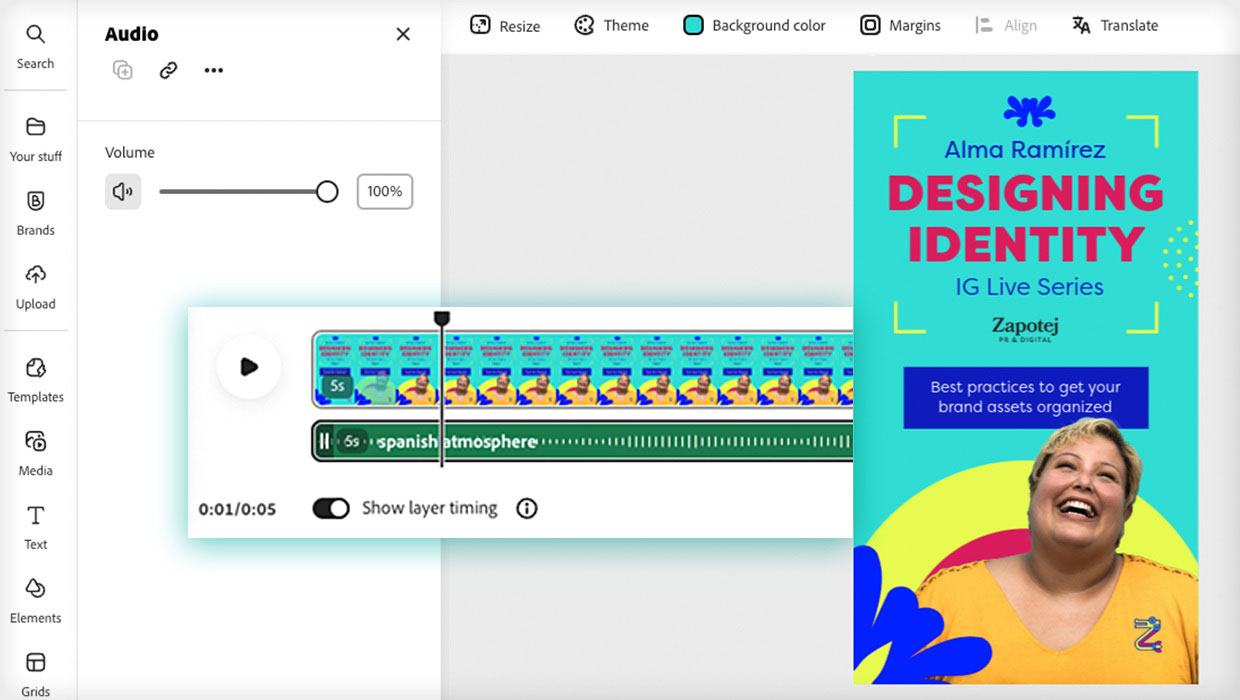
Animate and Schedule Your Content with Adobe Express
Maximize your marketing productivity while staying on brand.

Article
TypeTalk: Mark Jamra, TypeCulture
Mark Jamra, noted type designer and educator, had a vision of combining his pass...