




This article was last modified on January 11, 2016
This article was first published on
Commenting is easier and faster when you're logged in!
Loading comments...

Recommended for you
Article
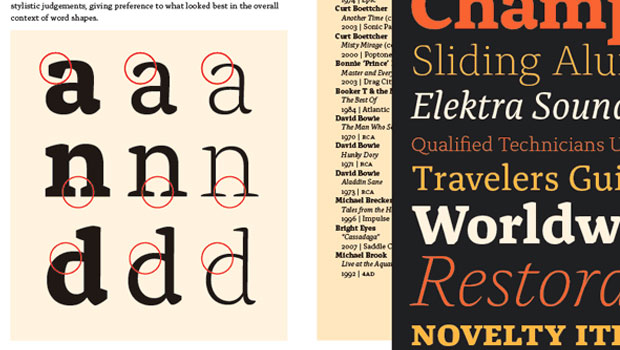
Free Emigre Type Specimen Catalogs
Emigre's type specimen catalogs are known for their beautiful looks and deep div...

Article
Start Smart: Create Quality PDFs
This story courtesy of Blueline, the quarterly newsletter of the Printing Indust...

Article
Threading Text From One Document to Another
A 20-year quest is fulfilled with InDesign CS4 and a little ingenuity!