


Reply To: Indd Best Practices for Placing High Res Images Destined for Print


This article was last modified on July 16, 2015
This article was first published on
Commenting is easier and faster when you're logged in!
Loading comments...

Recommended for you

Article
Fontlab Ltd. Announces the Release of TransType Pro — Universal Font Converter with OpenType Support
Fontlab Ltd., the leading developer of digital typography tools, announced today...
Article
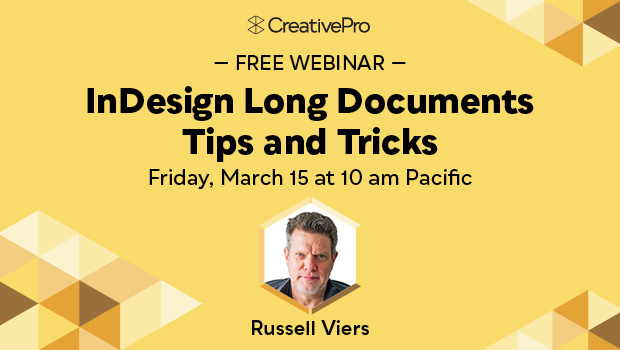
Free Webinar: InDesign Long Documents Tips and Tricks
Join us Friday, March 15 at 10 am Pacific for our 75-minute free webinar to disc...

Article
How to Highlight Text for Clarity When Designing a Presentation
Learn how to bring attention to important text for better clarity when designing...