




This article was last modified on January 20, 2015
This article was first published on
Commenting is easier and faster when you're logged in!
Loading comments...

Recommended for you

Article
InDesign How-To: Add Alt Text or Artifact an Image
See two key accessibility techniques for working with images in InDesign.
Article
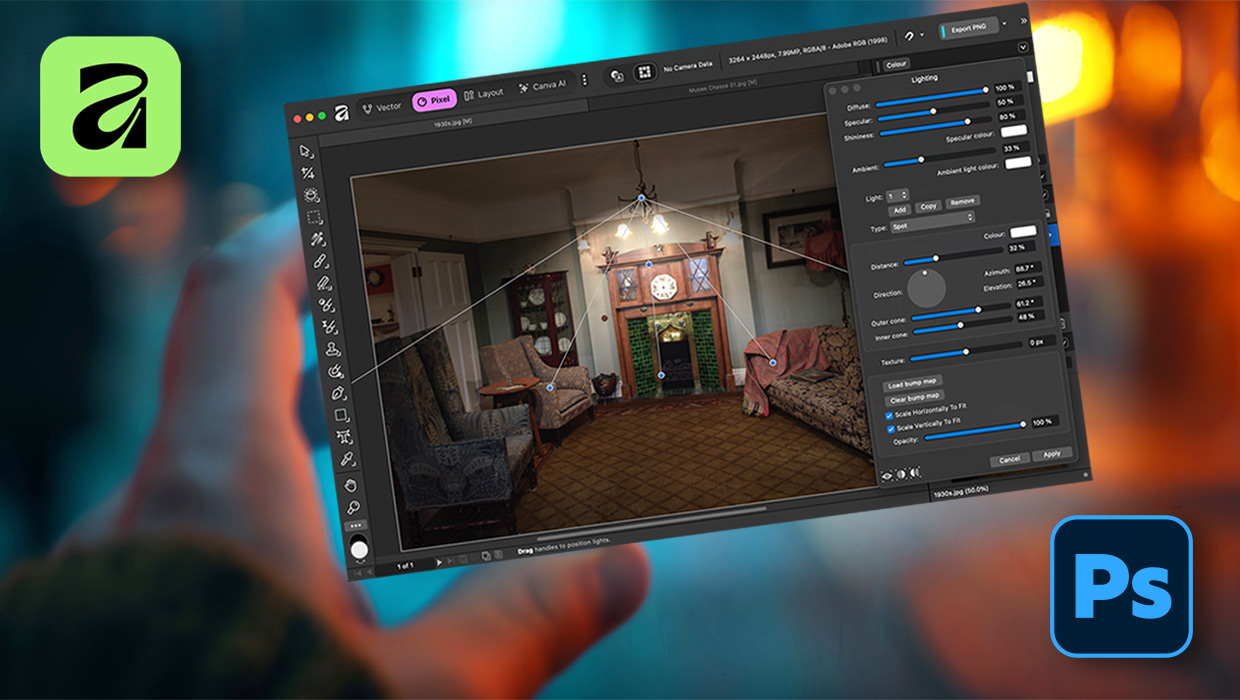
Affinity for Photoshop Users
From real-time previews to added adjustments, Affinity special effect and lighti...
Article
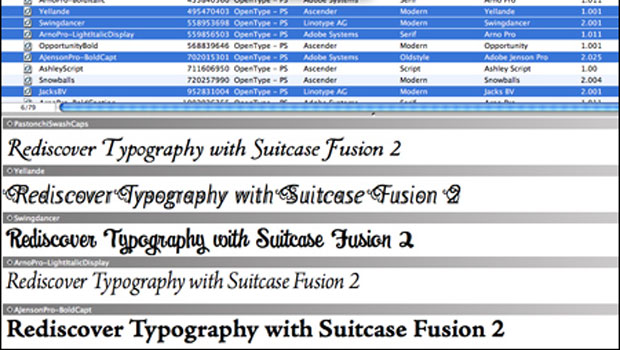
TypeTalk: Collect OpenType Fonts in Smart Sets
TypeTalk is a regular blog on typography. Post your questions and comments by cl...