




This article was last modified on August 7, 2012
This article was first published on
Commenting is easier and faster when you're logged in!

Recommended for you
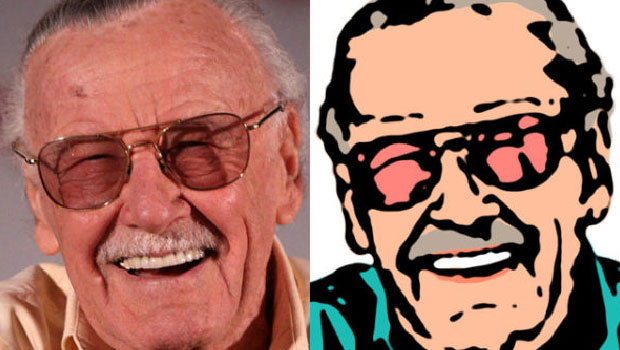
How to Turn a Photograph Into a Cartoon in Photoshop
Learn the simple steps for creating a seemingly hand-drawn cartoon from a photo,...
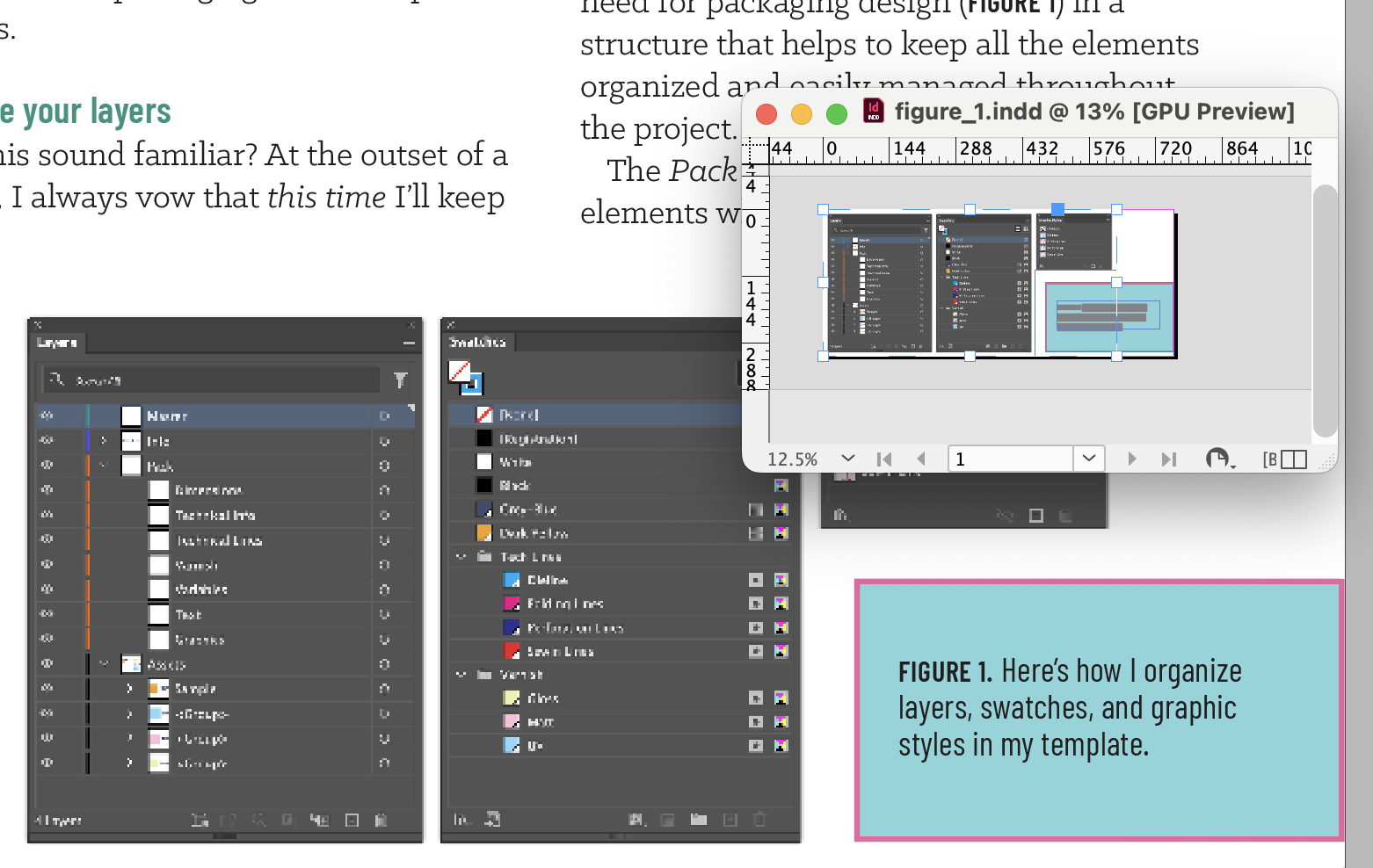
Free Layout Zone Add-on Is an Incredible Productivity Tool
Free plug-in makes sharing portions of a layout for collaboration easy and effic...

Shortcut for Opening and Closing Side Panels
Jim wrote: I love the new panels in InDesign CS3. However for some they may be t...