




This article was last modified on December 12, 2011
This article was first published on
Commenting is easier and faster when you're logged in!
Loading comments...

Recommended for you
Article
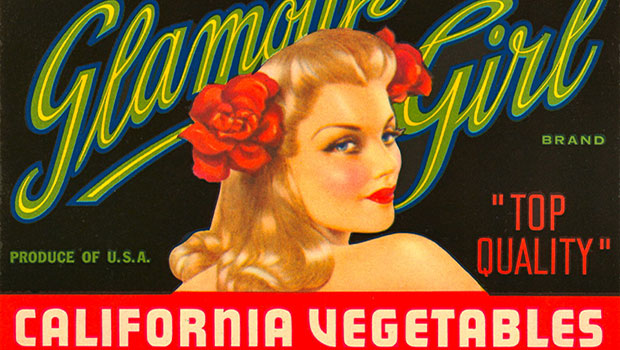
Scanning Around With Gene: Colorful Produce Crate Labels
When railroads became a dominant form of transportation, and especially after th...

Article
Show Fonts Script Updated to Include Adobe Fonts
Peter Kahrel's script to list all fonts used in an InDesign document along with...

Article
Create Amazing Computer-Generated Art With Amberlight
Amberlight is an app for Windows and Mac from Escape Motions (makers of Fla...