


Reply To: Raster images look horrible, no matter what


This article was last modified on October 4, 2011
This article was first published on
Commenting is easier and faster when you're logged in!

Recommended for you

Apago Releases PDF Shrink 4.0 Upgrade
Apago Inc., a software developer for the graphic arts and document management in...
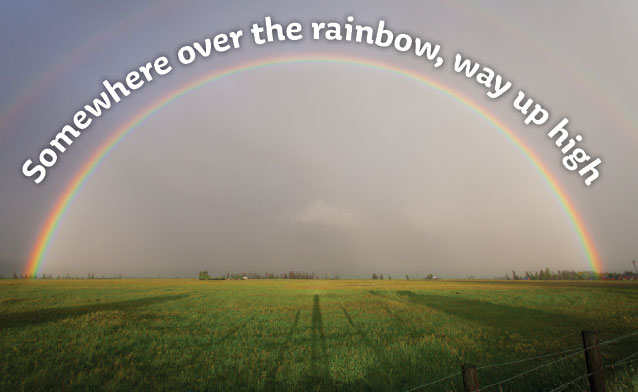
Tip of the Week: Easy Type on a Curve
Sign up for the InDesign tip of the week to get a new tip, roundups of new artic...
Ogilvy & Mather’s Colorful Ad Campaign
How do you spice up a humdrum product and get buyers' attention? Well, if you're...