



This article was last modified on May 11, 2011
This article was first published on
Commenting is easier and faster when you're logged in!
Loading comments...

Recommended for you

Article
Markzware Ships FlightCheck v6 for Apple Macintosh
Markzware, inventor of preflight, and data conversion software leader, announces...
Article
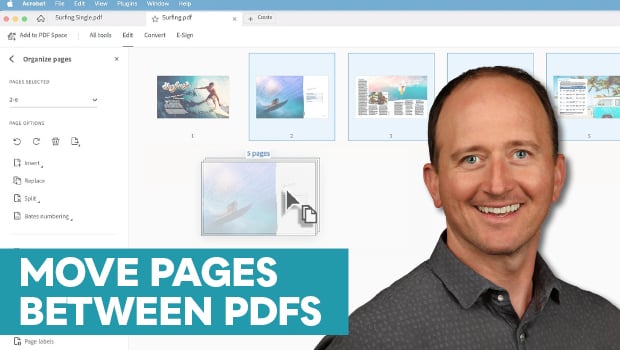
How to Move Pages Between PDFs with Adobe Acrobat
Learn how to move pages between PDF files with Chad Chelius.
Article
QuarkXPress 6: Another Point of View from The Seybold Report
For more information about The Seybold Report click here. When it launched XPres...