


Reply To: Image size and resolution


This article was last modified on June 15, 2013
This article was first published on
Commenting is easier and faster when you're logged in!
Loading comments...

Recommended for you
Article
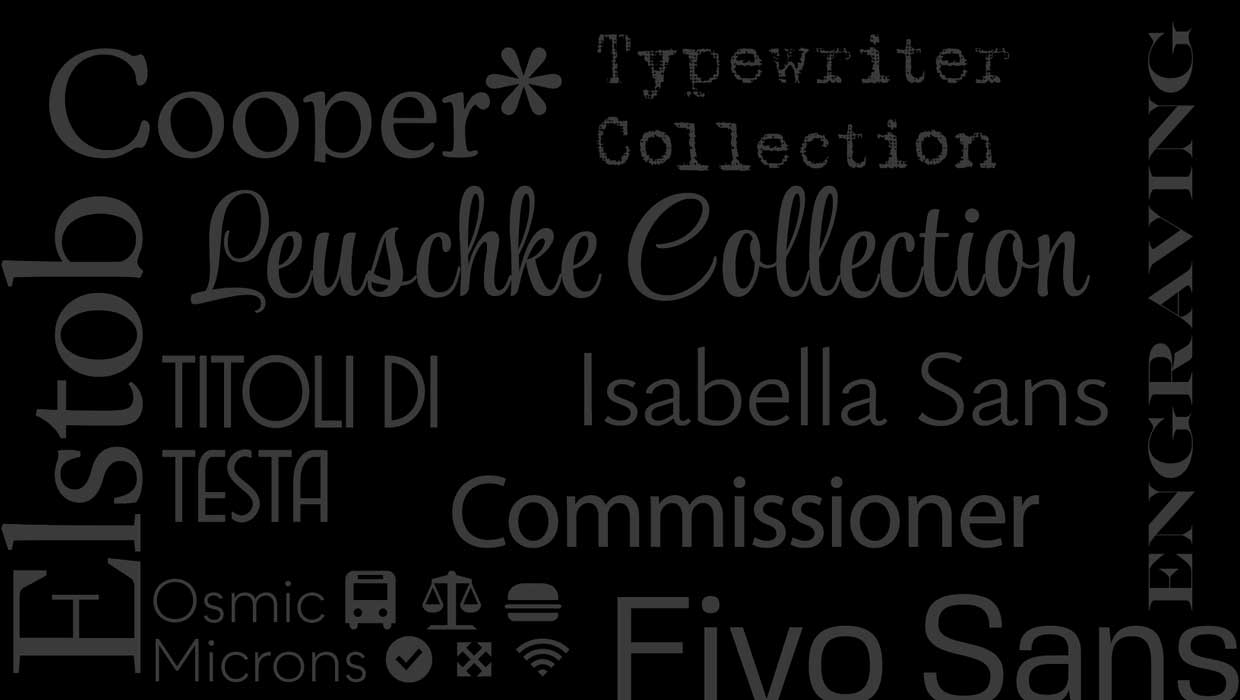
CreativePro Font Collection Vol. 4
A diverse set of professional-quality fonts cleared for commercial use

Article
New Contest! Identify the Adornments
Hey folks, it's time for another contest and a chance to win an awesome prize!

Article
Customizing PDF Presets
My other two postings about PDF presets?Choosing the Right PDF Preset and Creati...