




Video editing taking too much time? AI can help.
Some of the most exciting AI-driven innovations are happening in the world of video production. New intelligent tools allow you to streamline your workflows so you can focus more of your creative energy on telling stories or educating your viewers.
In this session, software trainer and video producer Nick Brazzi introduces the newest AI-powered tools for video post-production, and shares real-world tips for using them effectively.
You’ll explore AI features inside professional and consumer apps like Adobe Premiere, Descript, and Topaz Video AI, so you can spend less time editing and more time being creative.
You’ll learn how to:
- Speed up editing and reduce manual work
- Automate transcription, rough cuts, and captioning
- Organize footage with AI-assisted tagging and asset management
- Upscale and restore low-resolution video
- Repurpose long-form content into short, social-ready clips
This article was last modified on April 28, 2026
This article was first published on February 6, 2026
Commenting is easier and faster when you're logged in!

Recommended for you

Why Don’t Arrow Keys Work Next to Blank Fields?
Why are the text formatting fields sometimes blank and don't allow you to use th...
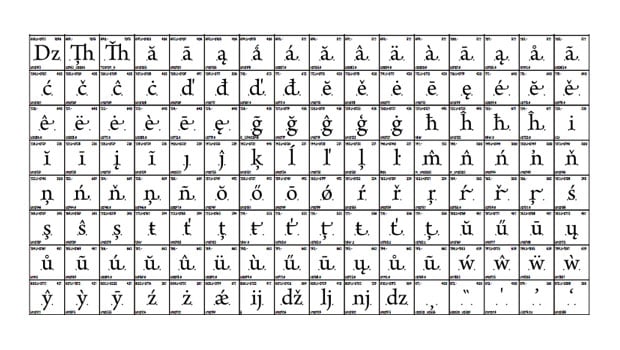
Font Quality Engineering Explained
As an interesting follow-up to yesterday’s Free Font Manifesto, I highly r...

Unveiling the Magic Behind Print-On-Demand Books for Graphic Designers
Press Release: For Immediate Release Lulu.com Durham, North Carolina Sept...