



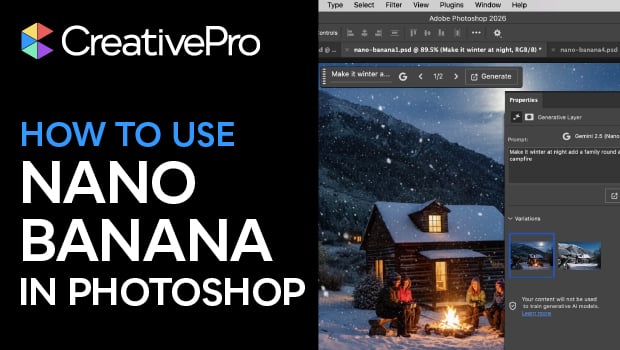
In this Photoshop how-to video, Steve Caplin explores Google Gemini 2.5—also known as Nano Banana—available directly inside of Photoshop. He compares Gemini’s results to Adobe Firefly, then demonstrates how Generative Fill can colorize images, transform scenes, and reposition subjects accurately. Steve then shows how the right prompt can unlock powerful, realistic image edits.
Subscribe to the CreativePro YouTube channel for more helpful design tips!
This article was last modified on January 16, 2026
This article was first published on January 16, 2026
Commenting is easier and faster when you're logged in!

Recommended for you

This Week in InDesign Articles, Number 68
A little of this, a little of that... pretty soon these collections of links and...

TypeTalk: Unplumbed Depths
TypeTalk is a regular blog on typography. Post your questions and comments by cl...
Industry Measure Releases 2007 Publishing Industry Forecast
The Industry Measure today released its special report, “Publishing Foreca...