




PROJECT-BASED SESSION
Want to make a PDF that does more than just sit there? In this project-based session, you’ll build a fully interactive PDF from start to finish using InDesign’s interactive tools. With step-by-step instruction and shared files, you’ll learn how to add functional elements like navigation buttons, hyperlinks, videos, and form fields—everything you need to create a digital document that’s polished, clickable, and ready to share or submit.
Whether you’re designing a digital form, presentation, or interactive brochure, this session will give you the skills to bring your static layouts to life.
You’ll learn how to:
- Add buttons for navigation and actions
- Create hyperlinks to URLs and internal pages
- Insert video into your document
- Build interactive form fields and checkboxes
- Export your file as an interactive PDF ready to share or submit
This article was last modified on August 6, 2025
This article was first published on July 23, 2025
Commenting is easier and faster when you're logged in!

Recommended for you

How to Remove Keyboard Shortcuts from Adobe Apps
Got a keyboard shortcut you keep hitting by accident in InDesign, Illustrator, o...
Scanning Around with Gene: The Waiting is the Hardest Part
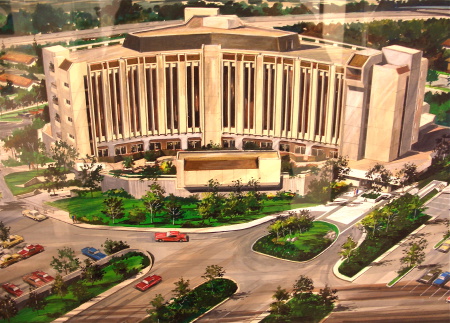
I spent most of this past week in the waiting room of the Kaiser San Jose Hospit...

Member Bonus from CreativePro Week: A Curious Commitment
A plan for building habits that foster creativity, learning, and success