


How to Remove a Color From a Character Style in InDesign
Learn how to remove a color from a character style in InDesign, so that the text takes on the color information from the underlying paragraph style.

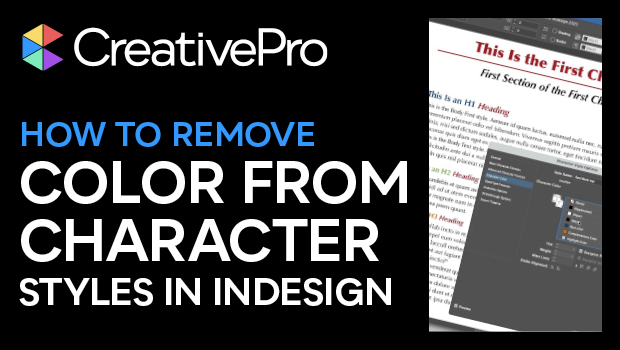
In this InDesign how-to video, Mike Rankin shows the secret trick needed to remove a color from a character style. This is done so that the color information will come from the underlying paragraph style. Mike first demos why choosing the “None” swatch won’t get the intended results, then reveals the trick for stripping the color from the style’s definition.
Subscribe to the CreativePro YouTube channel for more helpful design tips!
This article was last modified on August 29, 2025
This article was first published on June 12, 2025
Commenting is easier and faster when you're logged in!

Recommended for you

Importing Word Styles Only
Use this quick workaround to import Word styles into an InDesign document. (Yes,...

How to Edit Photos in a PDF Using Photoshop
Learn how to modify a photo in a PDF with a little help from Photoshop. Once the...

CreativePro Conference Speaker Spotlight: Jesús Ramirez, the YouTube Photoshop King
Welcome to our new series of posts called Speaker Spotlight, designed to highlig...